Sharing a URL from Orion using Share > Mail creates a mail message, but that message does not include a subject, and it does include the URL page name in the first line of the message as a Markdown style link:
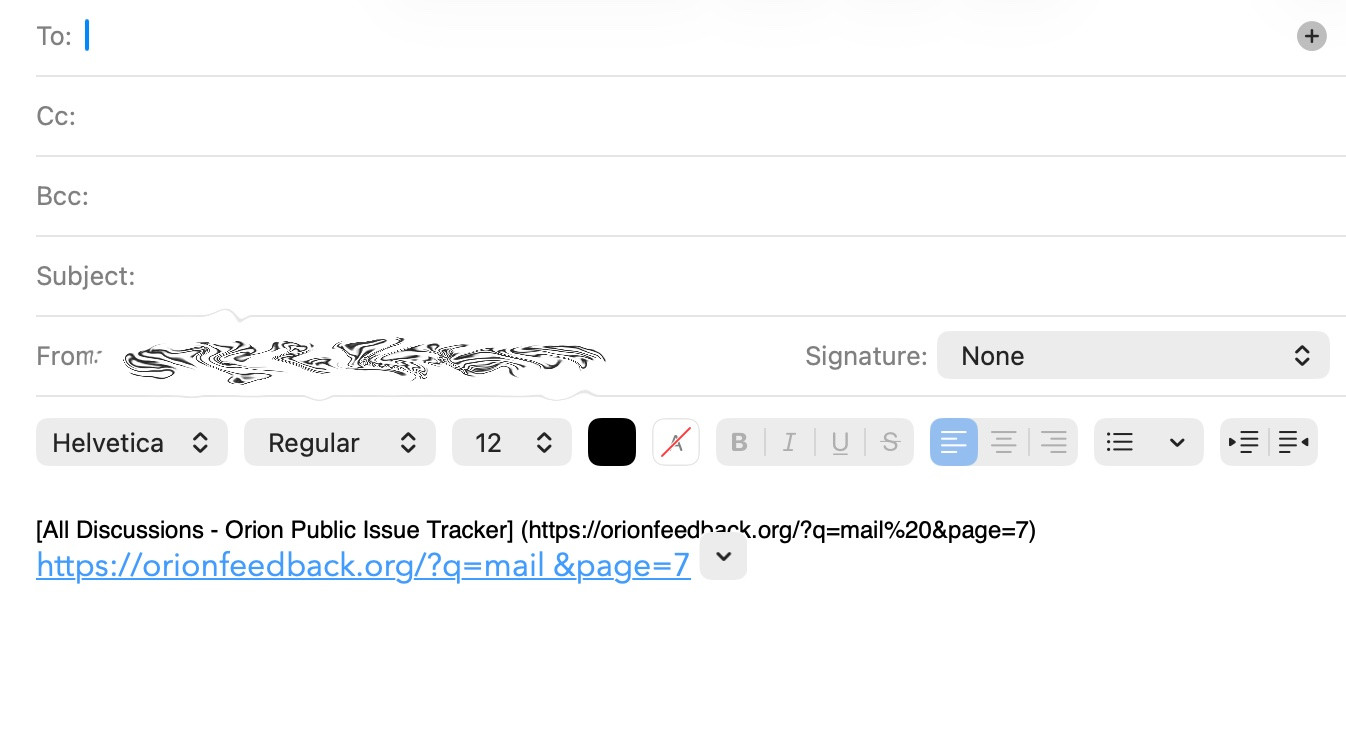
This requires significant changes for every URL that is shared by email, including:
- Adding a subject line
- Changing the font or format of the message body
- Usually removing the Markdown style link
- Adding the appropriate message text
Allowing the user to create a boilerplate mail template would streamline this process.
I suggest creating an Orion Setting that allows the user to specify default mail template content with at least two fields: Subject, and Message Body. (Optionally, the message font style and size may be specified, though I'd personally prefer that the Mail client's defaults be honored.)
It's clear that the webpage title is currently held in a variable somewhere, so that variable should be accessible to the user in the template.
The subject can default to the webpage title, but the user should be able to change the default to whatever they want, possibly including the webpage title using the title variable.
The message body text can be anything the user specifies by typing in the setting field. If the webpage title variable is specified, that title should be included.
Here is a very basic concept of the setting input:
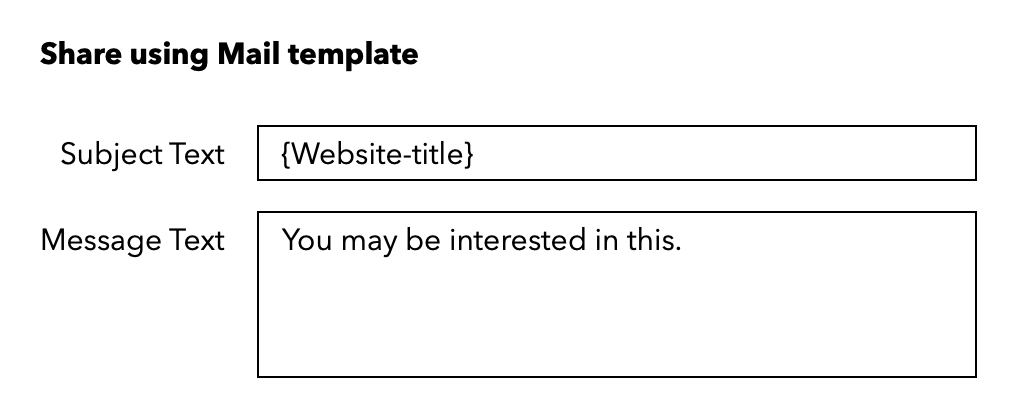
This content would be inserted into the new Mail message generated by the Share > Mail share sheet item, with variables expanded.
--Jim
