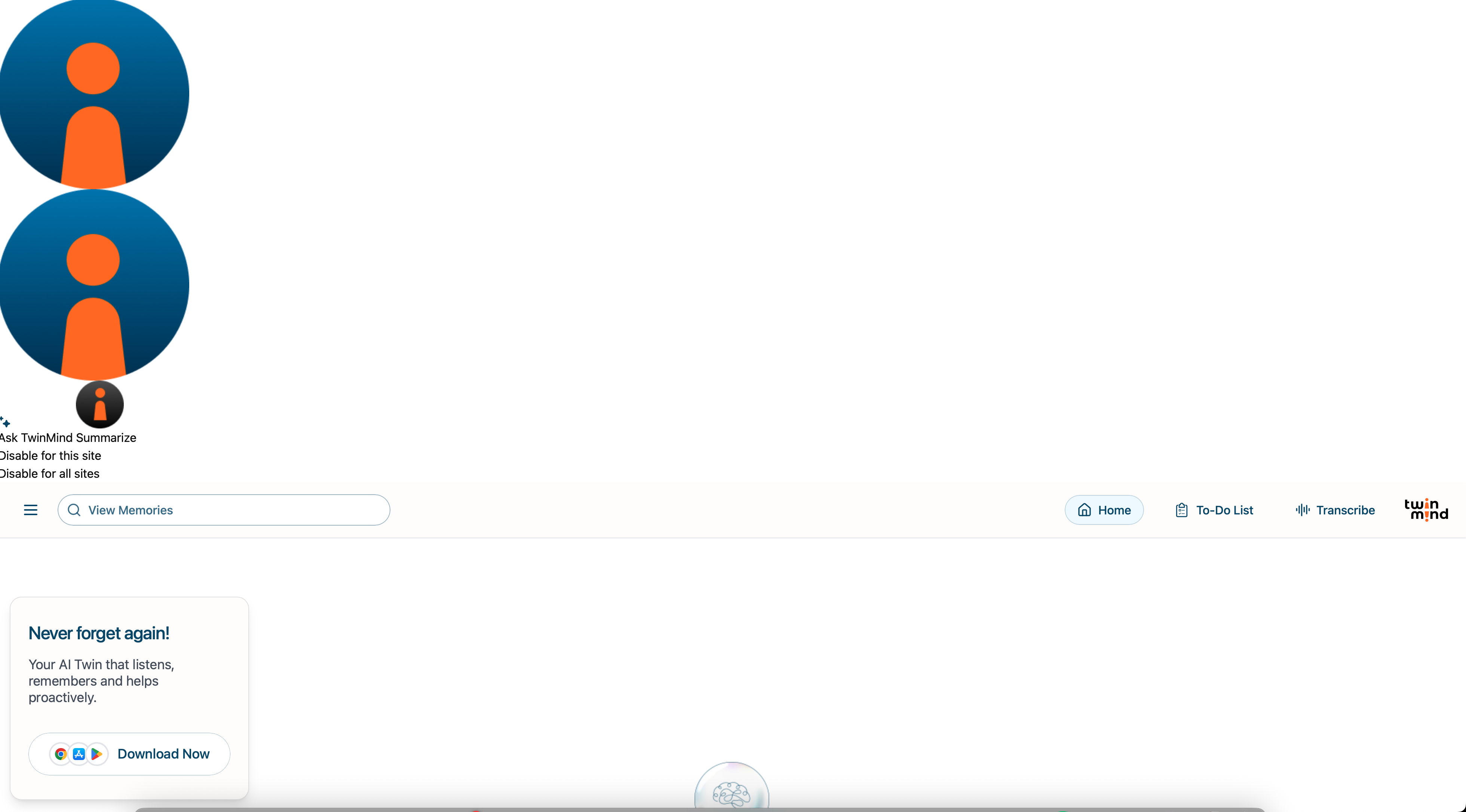
The Twinmind extension I installed from the Chrome Web Store (https://chromewebstore.google.com/detail/twinmind-chat-with-tabs-m/agpbjhhcmoanaljagpoheldgjhclepdj) isn't opening properly. When I open it, it's supposed to show up in the panel on the right, but instead it's all distorted and appears stretched across the top of the whole webpage. I've attached a screenshot so you can see what I mean.
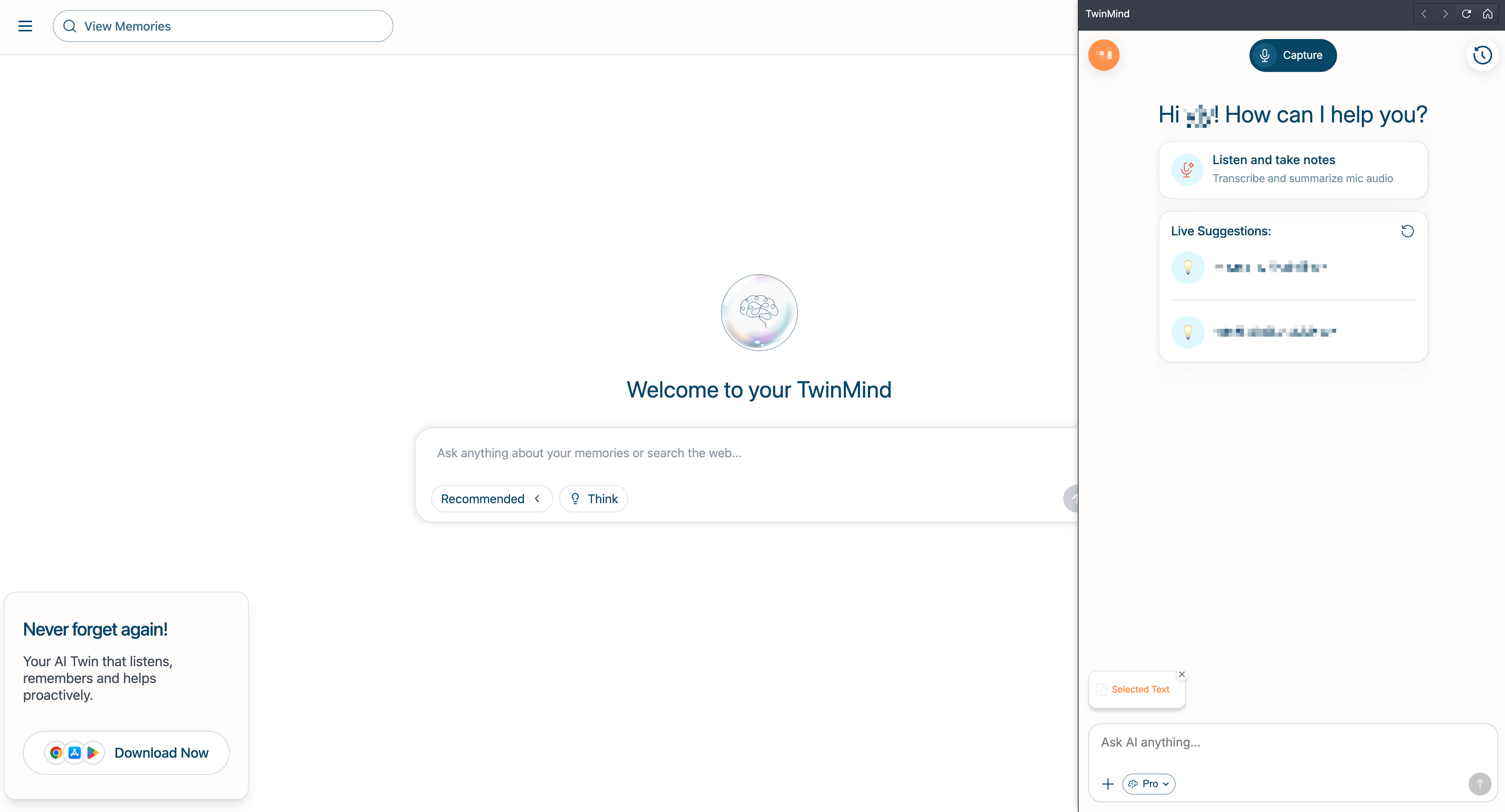
After installing the TwinMind extension from the Chrome Web Store, you can open it by clicking its icon on any webpage. This will launch a right-side panel, as shown in the image, and you can add the content of the current page as context to the extension’s conversation.
Version 1.0.0 (139), WebKit 623.1.8.0.0 Build date November 25, 2025 Mac mini (macOS Sequoia 15.7.2 build 24G325)
Sequoia (15)
