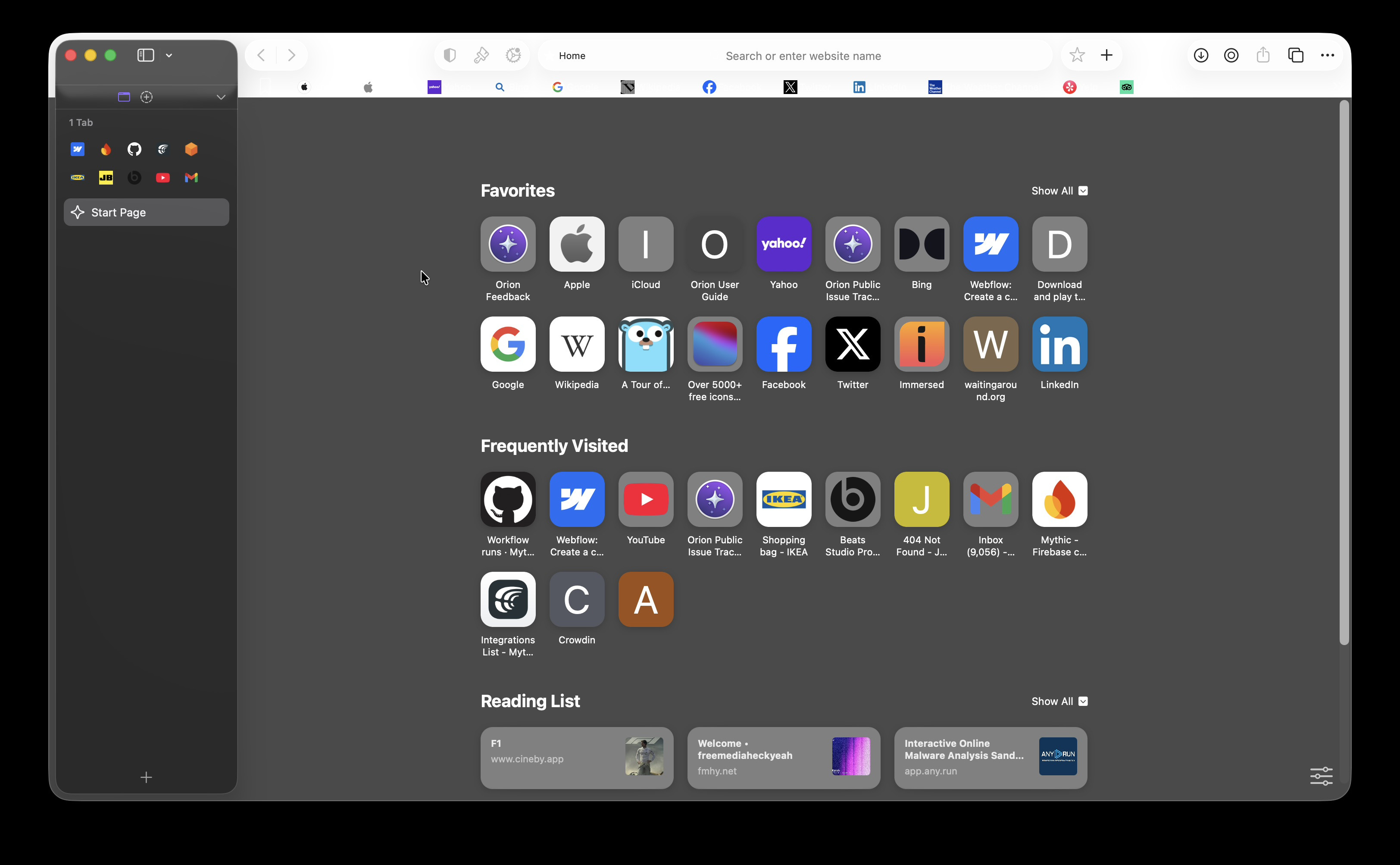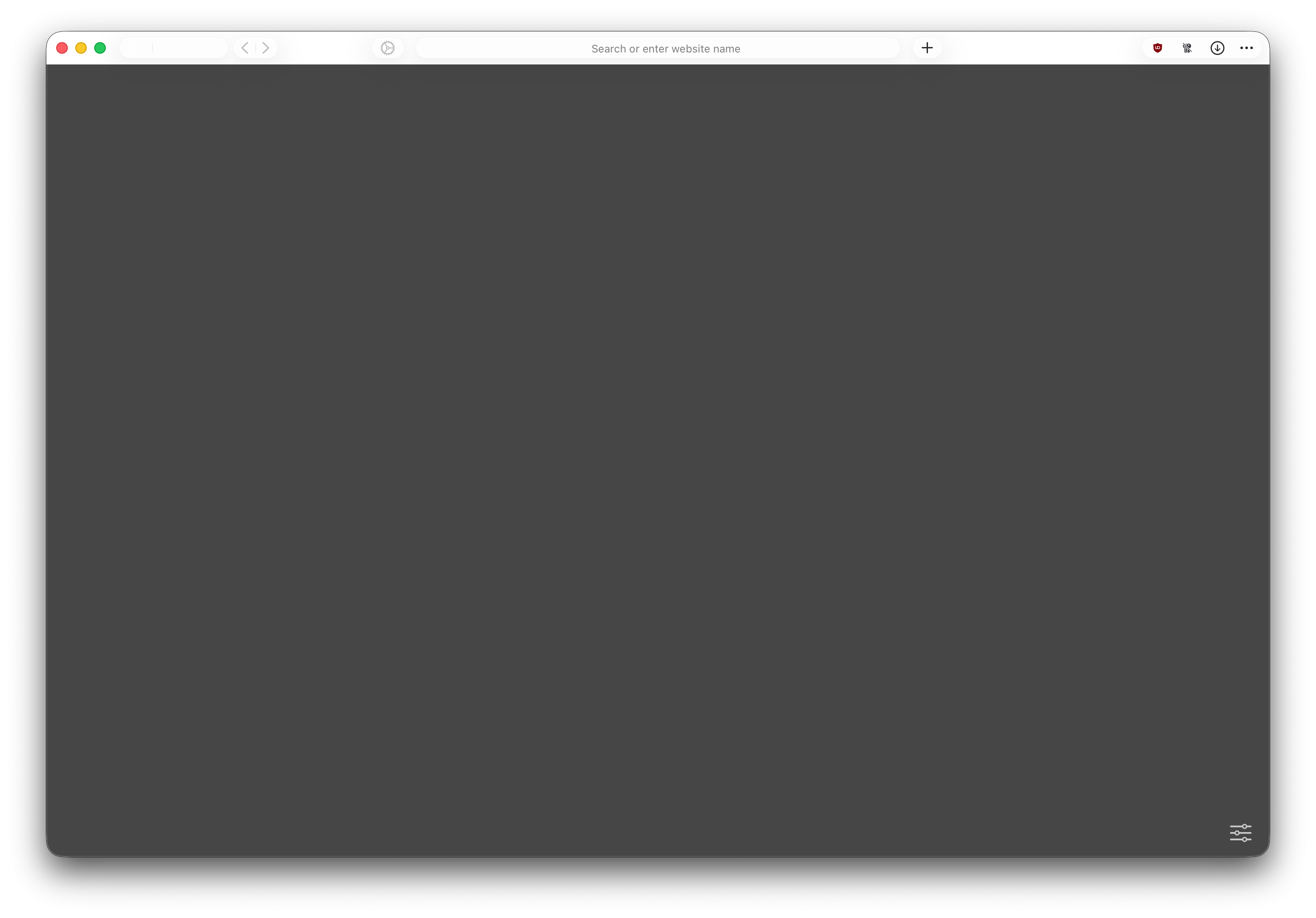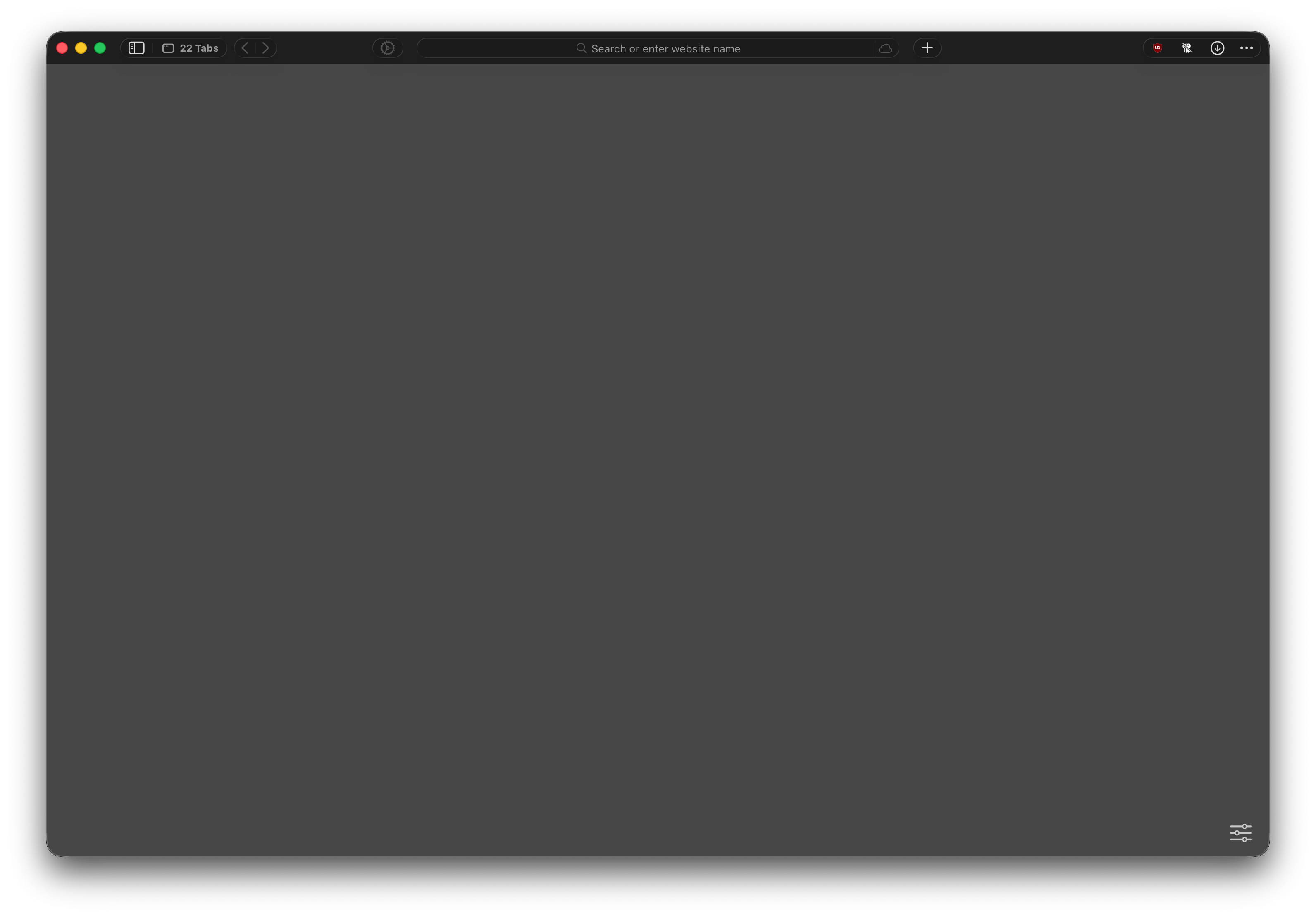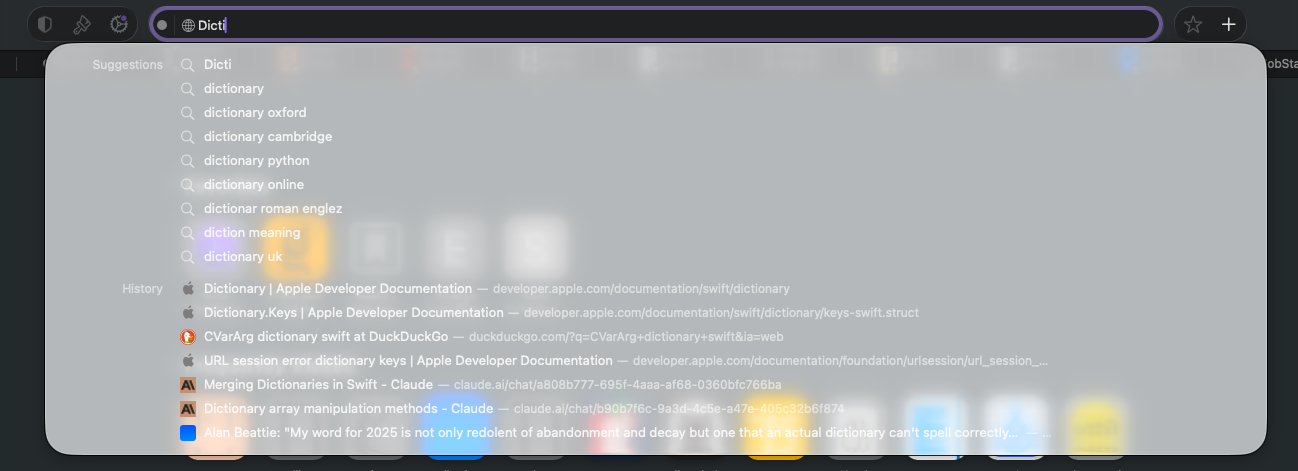
When macOS switches from light mode to dark mode, or vice versa, the toolbar UI fails to adapt properly and ends up in some bizarre state that seems to be partly dark and partly light at the same time. The above screenshot is of a window that was opened in dark mode after the system has switched to light mode.
When this happens the solution seems to be to just quit Orion and re-launch. Apologies if this has already been reported but I couldn’t see any existing issue that referenced this exact behavior.
The UI should look exactly the same as if the window had been opened in the current system appearance.
Version 0.99.137-beta (WebKit 623.1.8.0.0); macOS Tahoe 26.0.1 build 25A362
Tahoe (26)