App version: 1.3.28 (6) (WebKit 8621.3.11.10.3)
System version: 18.6.2
Device type: ?unrecognized?
Native bounds: (2064.0, 2752.0)
Scale: 2.0
Regular tabs: 12/https://assets.clip-studio.com/en-us/detail?id=1758182
Private tabs: 0/(
When using Clip Studio Paint on iPad, to download materials it opens the web browser on the assets page where you select "Download" on the material pages it's supposed to open a "Open in Clip Studio Paint" dialog upon clicking the button that re-opens CSP, but in Orion the button does nothing. Opening the assets page in Safari and it works correctly.
Install CSP, sign in to assets page, go to an asset and click Download/Re-Download. It should display "Open in Clip Studio Paint" native dialog. Clicking "Open" will reopen Clip Studio Paint app and download the material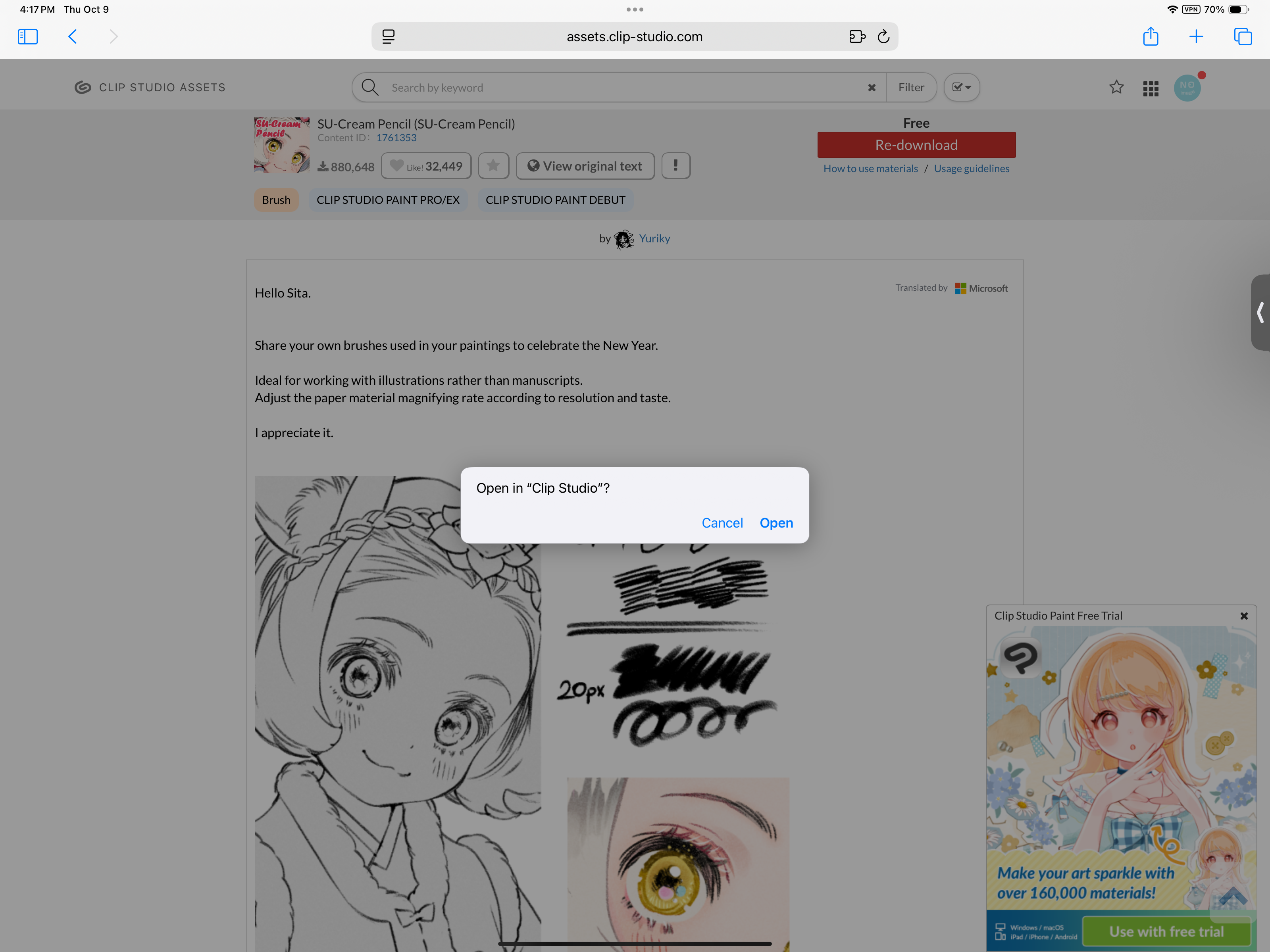
1.3.28
18
