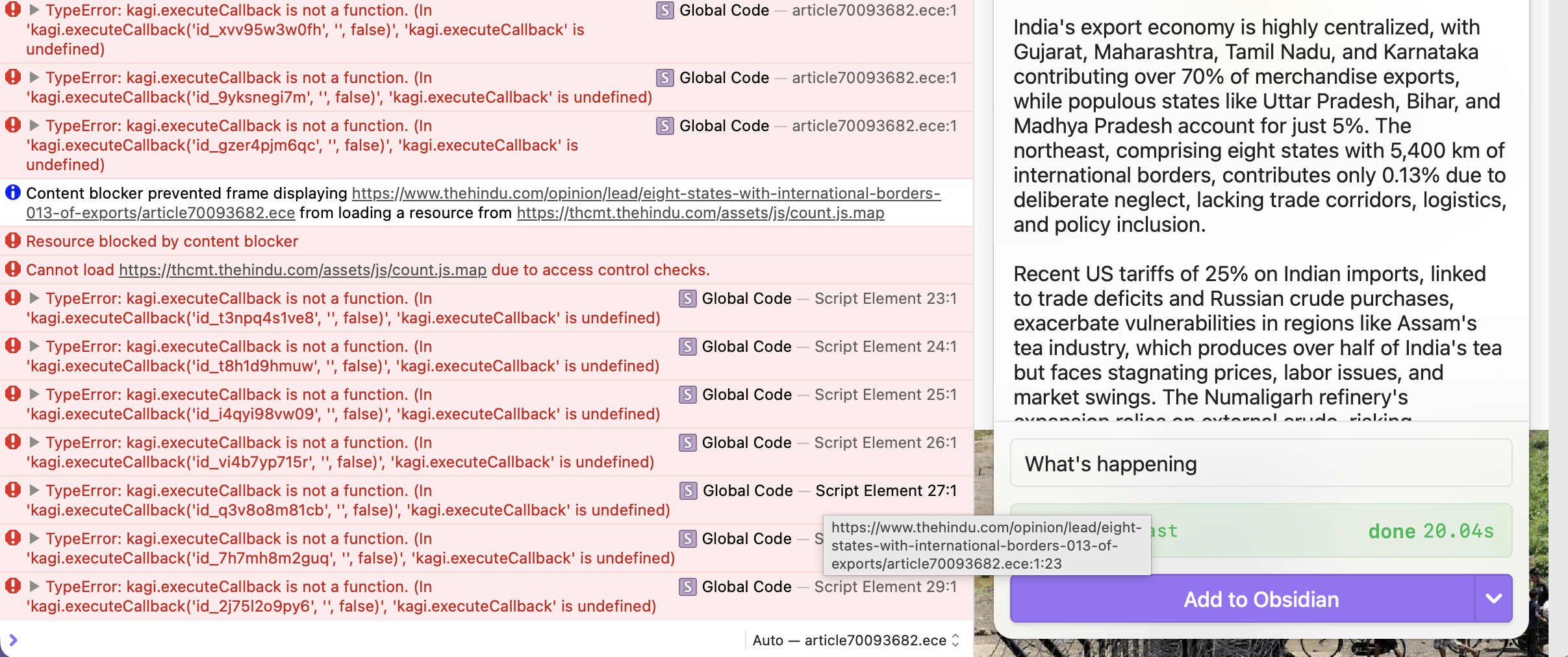
On my iPhone, the Obsidian Web Clipper successfully clips the note, but the “Add to Obsidian” button doesn’t work. On my iPad (with an older version), it works without problems.
“Latest update broke ‘Add to Obsidian’ button on iPhone (works on iPad older version)”
When clipping a note on iPhone Safari, the “Add to Obsidian” button should save the note directly into the designated Obsidian vault (just as it does on desktop and iPad).
Title: Orion does not handle obsidian:// URL scheme on iOS
Description:
When using the Obsidian Web Clipper extension inside Orion Browser (iOS), the clip cannot be sent to Obsidian. The extension relies on obsidian:// links (e.g., obsidian://open?vault=Academia) to open the vault.
• In Safari on iOS, the exact same link works correctly and opens Obsidian.
• In Orion on iOS, the link is ignored and Obsidian is not launched.
Steps to reproduce:
1. Install Orion Browser on iOS.
2. Install Obsidian Web Clipper from Chrome Web Store.
3. Try to clip a note into Obsidian vault, or manually enter obsidian://open?vault=Academia in the address bar.
4. Nothing happens.
Expected behavior:
Orion should forward obsidian:// custom URL schemes to the corresponding app (like Safari does), so that Obsidian can handle the request.
Actual behavior:
The link does not trigger Obsidian. No error message is shown.
Notes:
• This behavior is specific to Orion.
• Safari confirms that the system handler for obsidian:// is working properly.
• It seems Orion currently blocks or does not pass custom URL schemes to iOS.
1.3.27
18