What happened:
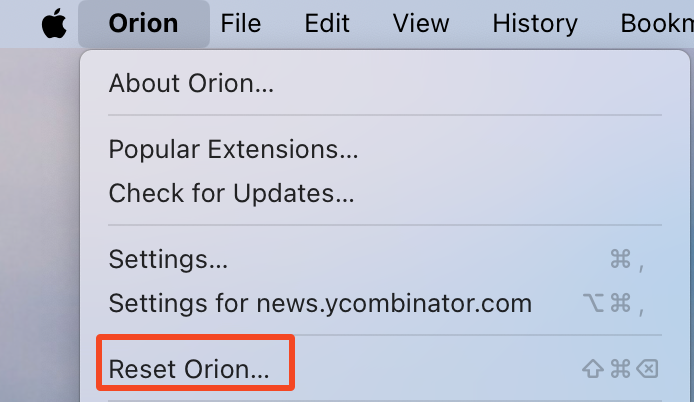
When opening certain websites (e.g., Google Sheets – specifically the sheets themselves, AliExpress and some others), the page process crashes immediately. Orion shows the error message “The process for this web page crashed or was terminated. To continue, try reloading the page or open a different website.” at the top of the window under search bar.
The page then reloads automatically and gets stuck in an infinite reload loop. Reloading manually doesn’t help.
Steps to reproduce:
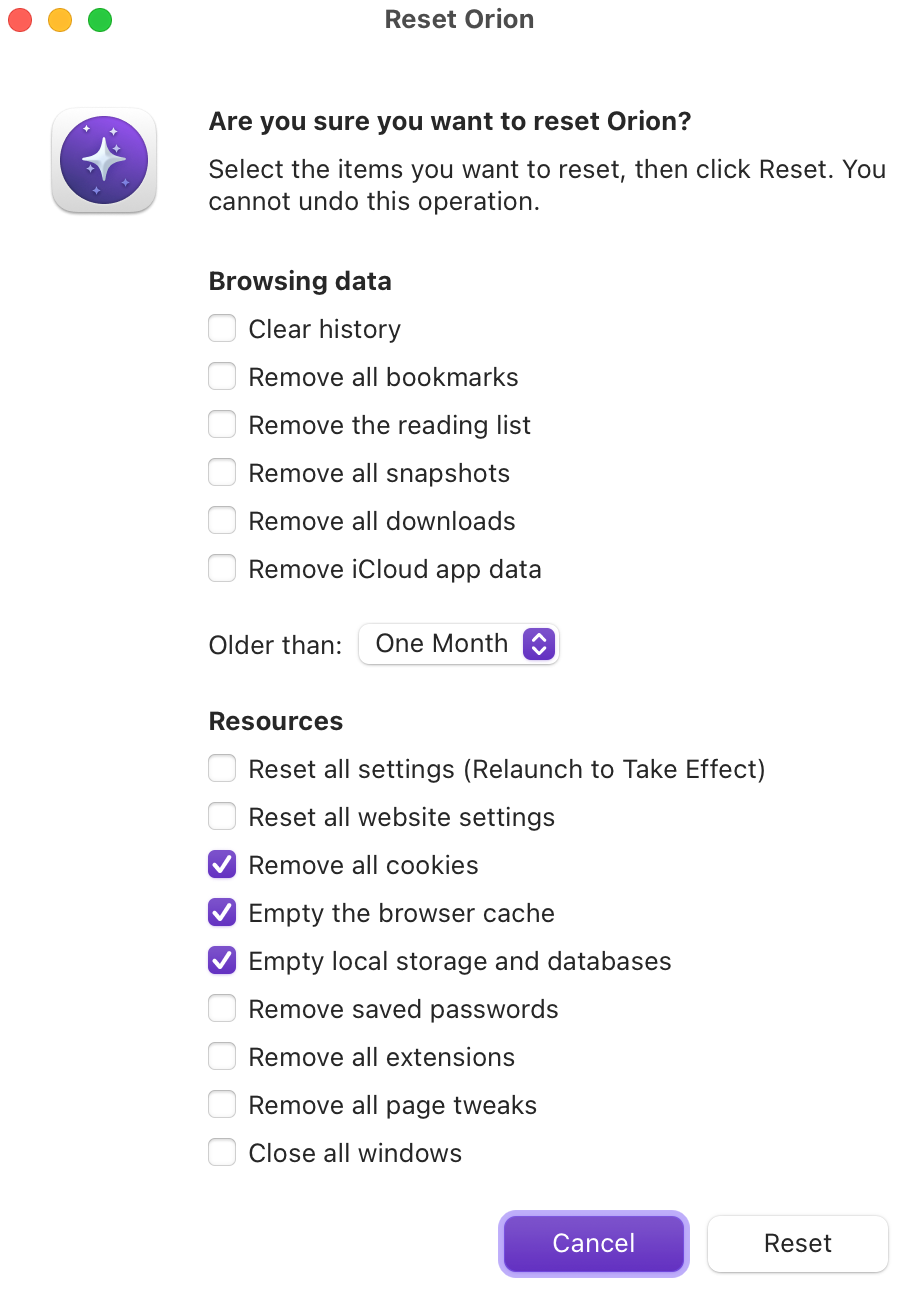
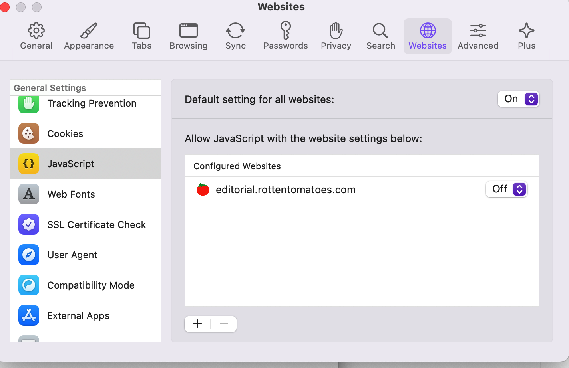
1. Start Orion with a clean profile (no extensions, default settings).
2. Go to any google sheet or AliExpress.
3. Observe that the page process crashes and Orion displays the error message.
4. The browser reloads the page infinitely, making the site unusable.
Does it happen in Safari?
No, the same pages load correctly in Safari
Environment:
• Orion version: Version 0.99.136-beta (WebKit 622.1.15.19.2)
• macOS version: 15.5 Sequoia
• Hardware: MacBook Pro M4 Pro
But it was the same way on previous versions of Orion and on my previous hardware
Attachments:

Expected result:
The page should load normally (as in Safari or other browsers).
Actual result:
Page process crashes instantly, showing Orion’s crash message and reloading forever.
Version 0.99.136-beta (WebKit 622.1.15.19.2)
Sequoia (15)