Steps to reproduce
In Orion, tap the tabs button on the toolbar.
Tap the New Tab button.
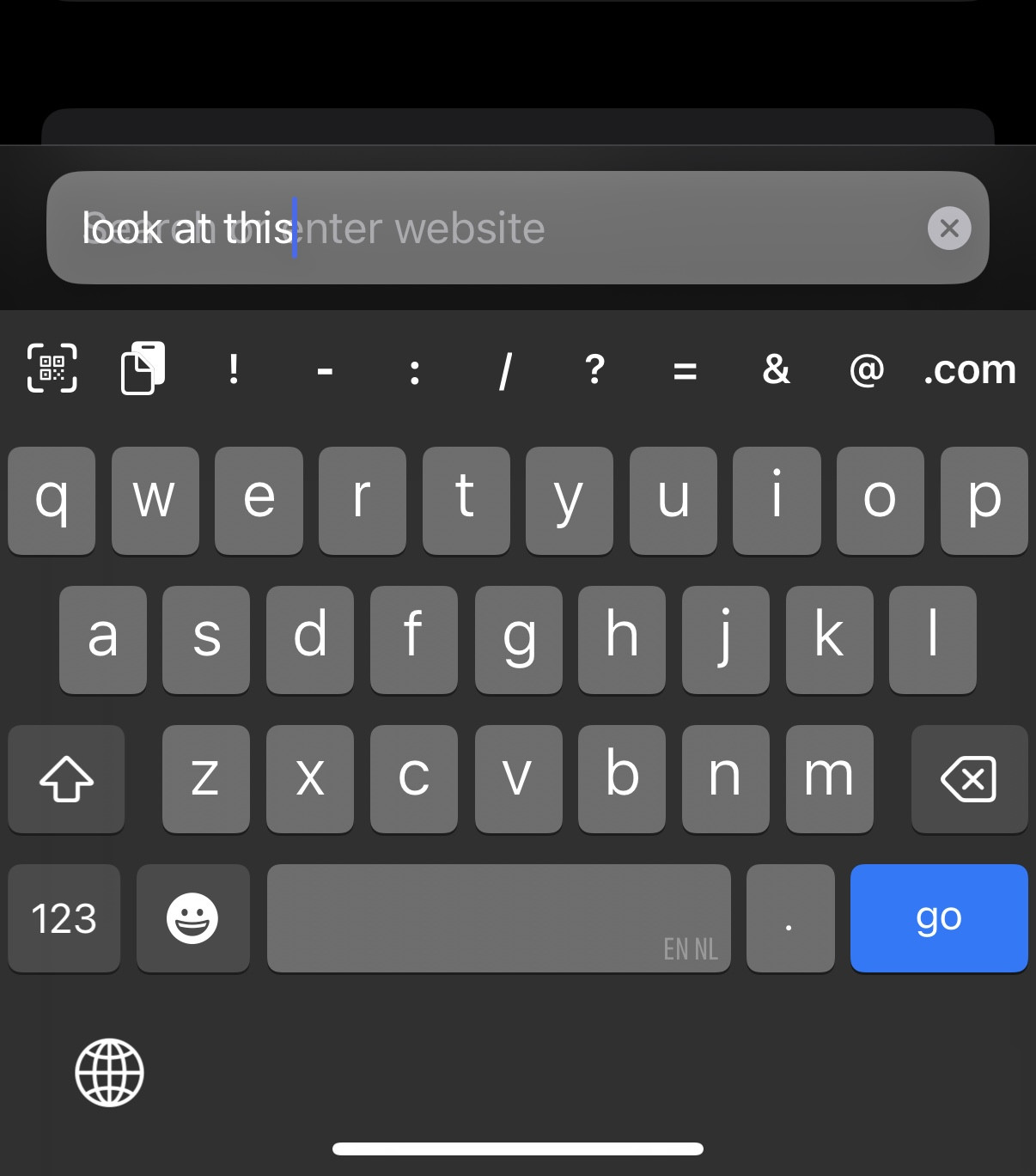
In the address/search bar, type some text, then press enter.
Expected behavior
The search bar clearly displays input, and subsequent page displays on screen.
Observed behavior
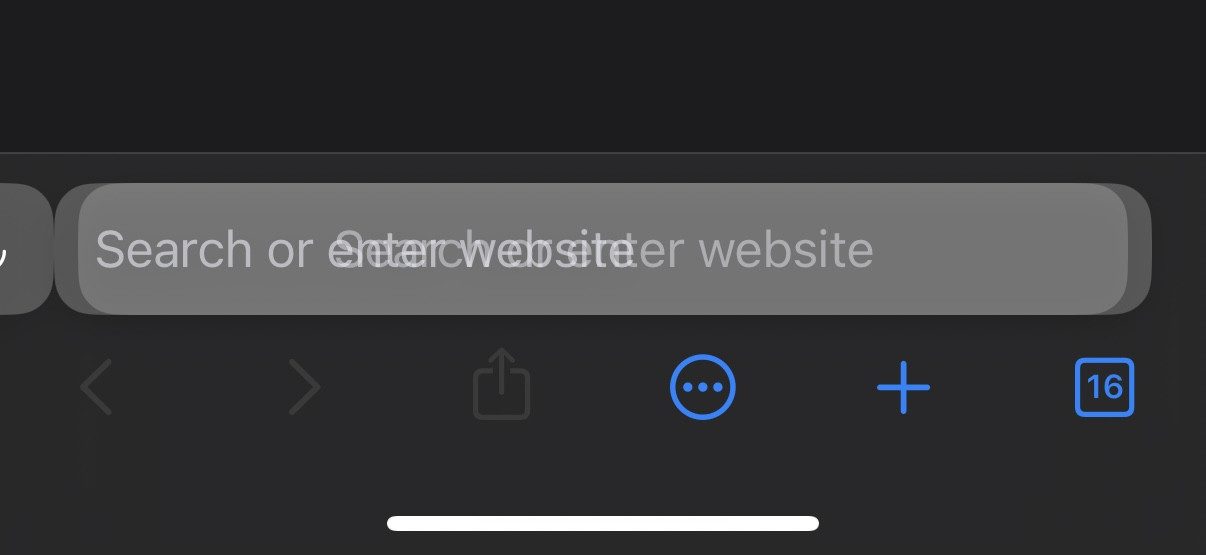
The search bar has a distracting overlay and subsequent web page does not display
Workaround
Before submitting a search/address, tap the Close button at the top of the screen until it disappears, then try again.
After submitting a search/address, tap the Close button at the top of the screen.
1.3.25 (11) (WebKit 8621.3.7.10.1)
18