I open History, knowing I looked at recipes for chocolate orange ice cream awhile back and wanting to bring those pages back in front of me, so I can recall which recipe I used.
But nope, I can't have that. I put chocolate orange in the search field, and Orion (eventually) lists every page that has either of these keywords: an OR search, which I don't think I have ever wanted:
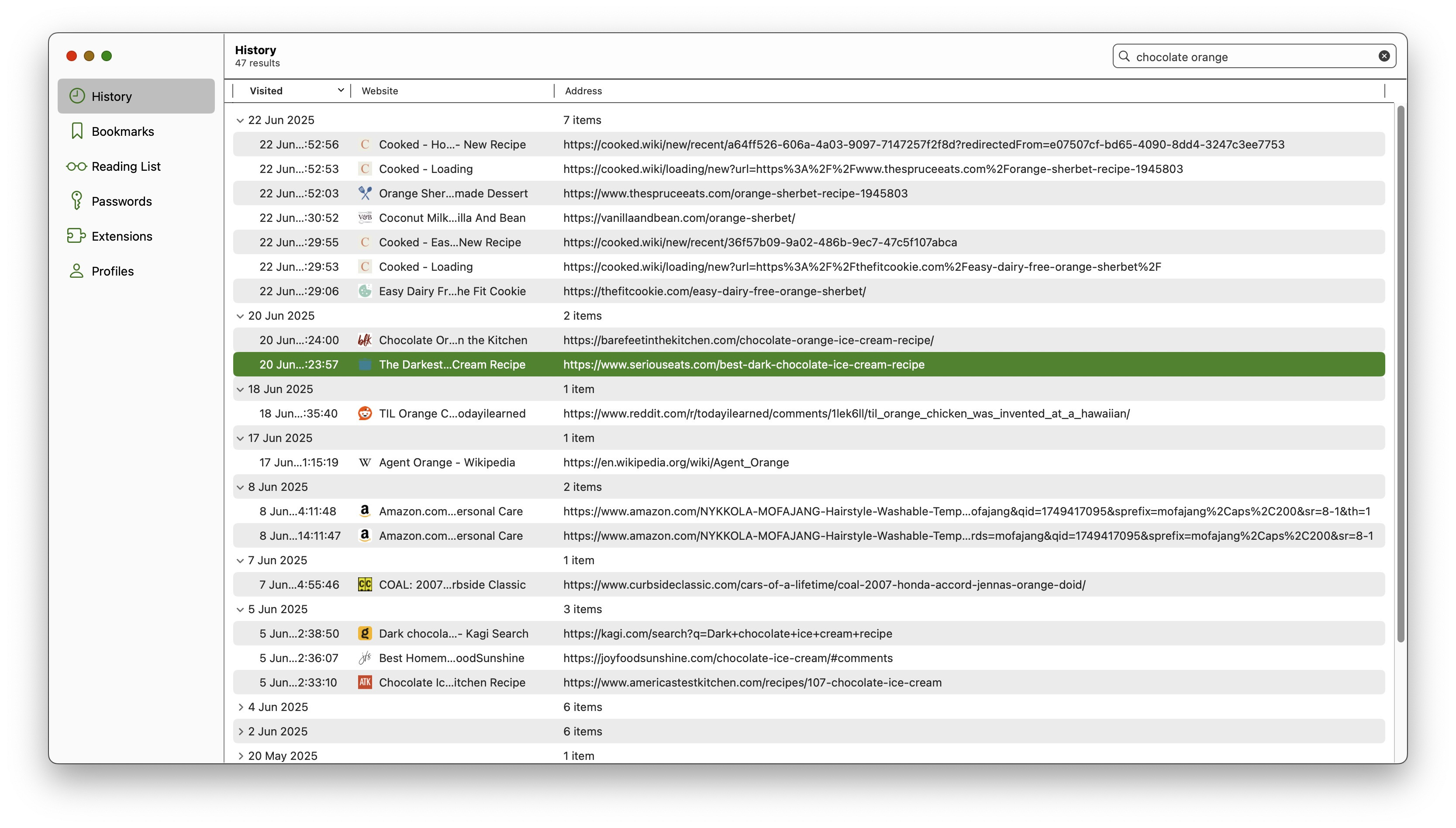
I tried "chocolate orange", "chocolate" "orange", +chocolate +orange, chocolate AND orange — none of these worked. There appears to be no way to circumvent the present Orion behaviour, which makes it practically impossible to search the history usefully unless one single keyword will do the job.
Orion's history search should behave like Safari (and Firefox, and Opera, and…), all of which know that when I put chocolate orange in the history search, it is because I want to see only those pages which contain both of the keywords: an AND search.
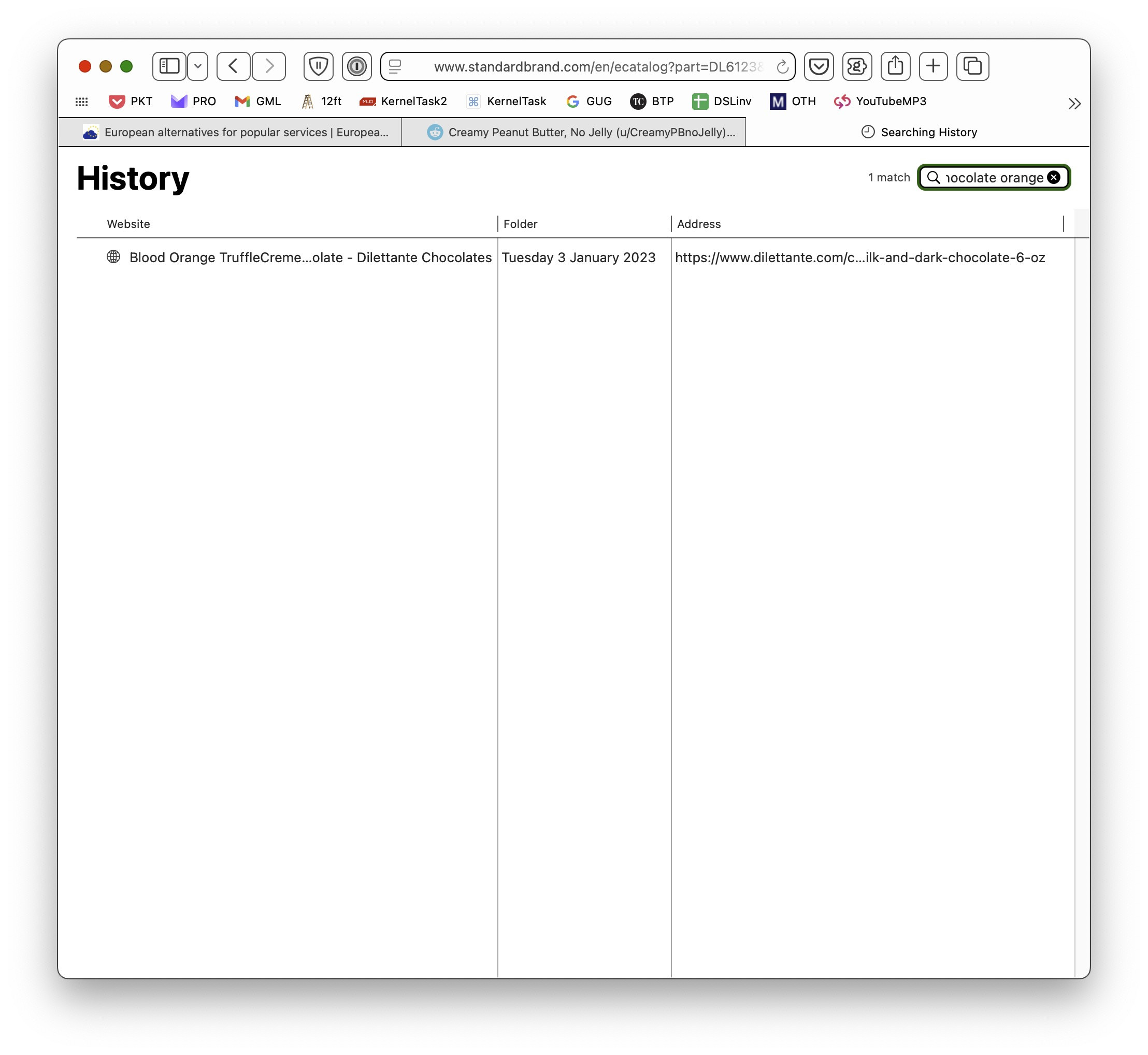
Here's a Safari history search on chocolate orange:
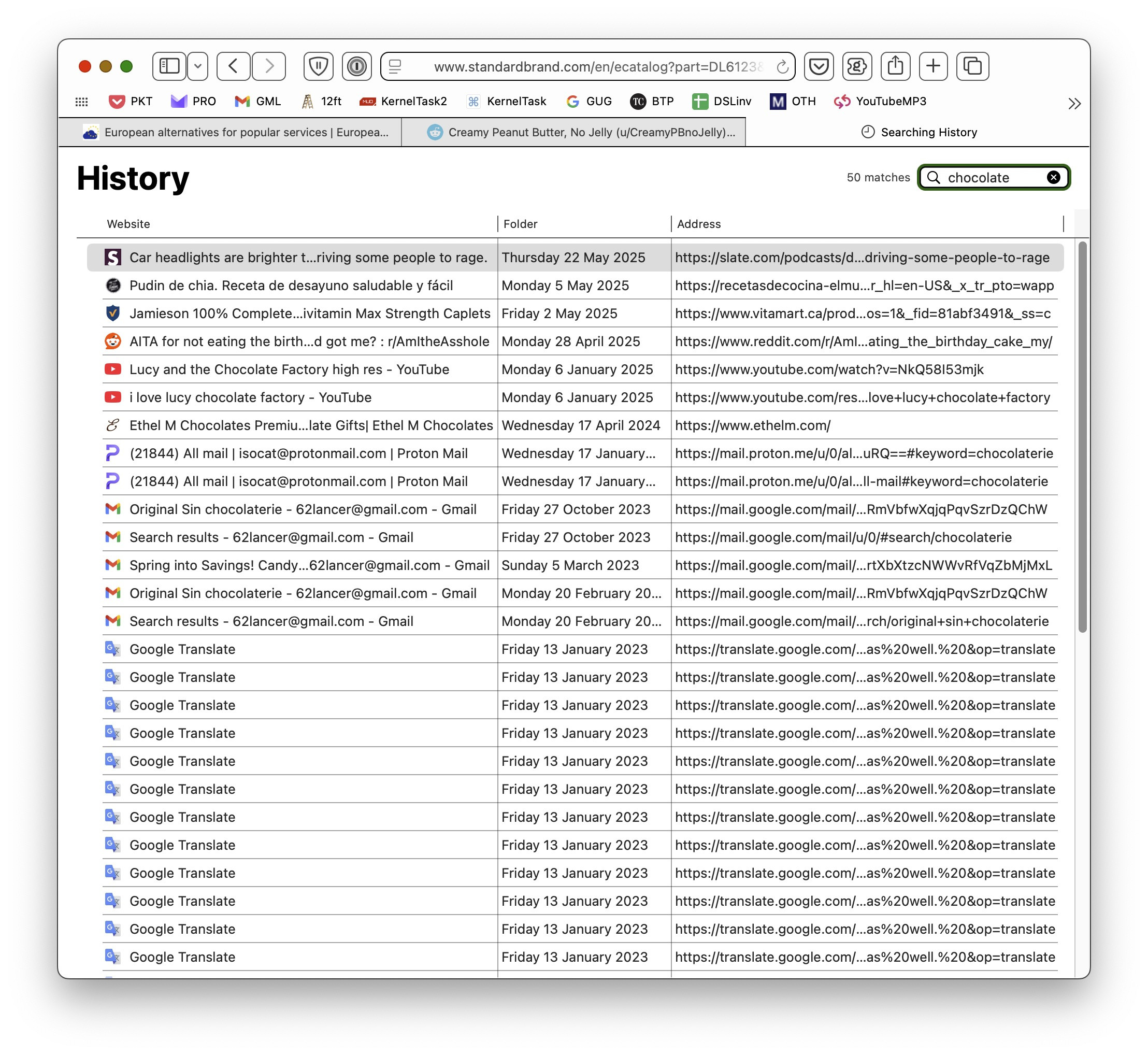
Here's that same Safari instance, with a history search on chocolate:
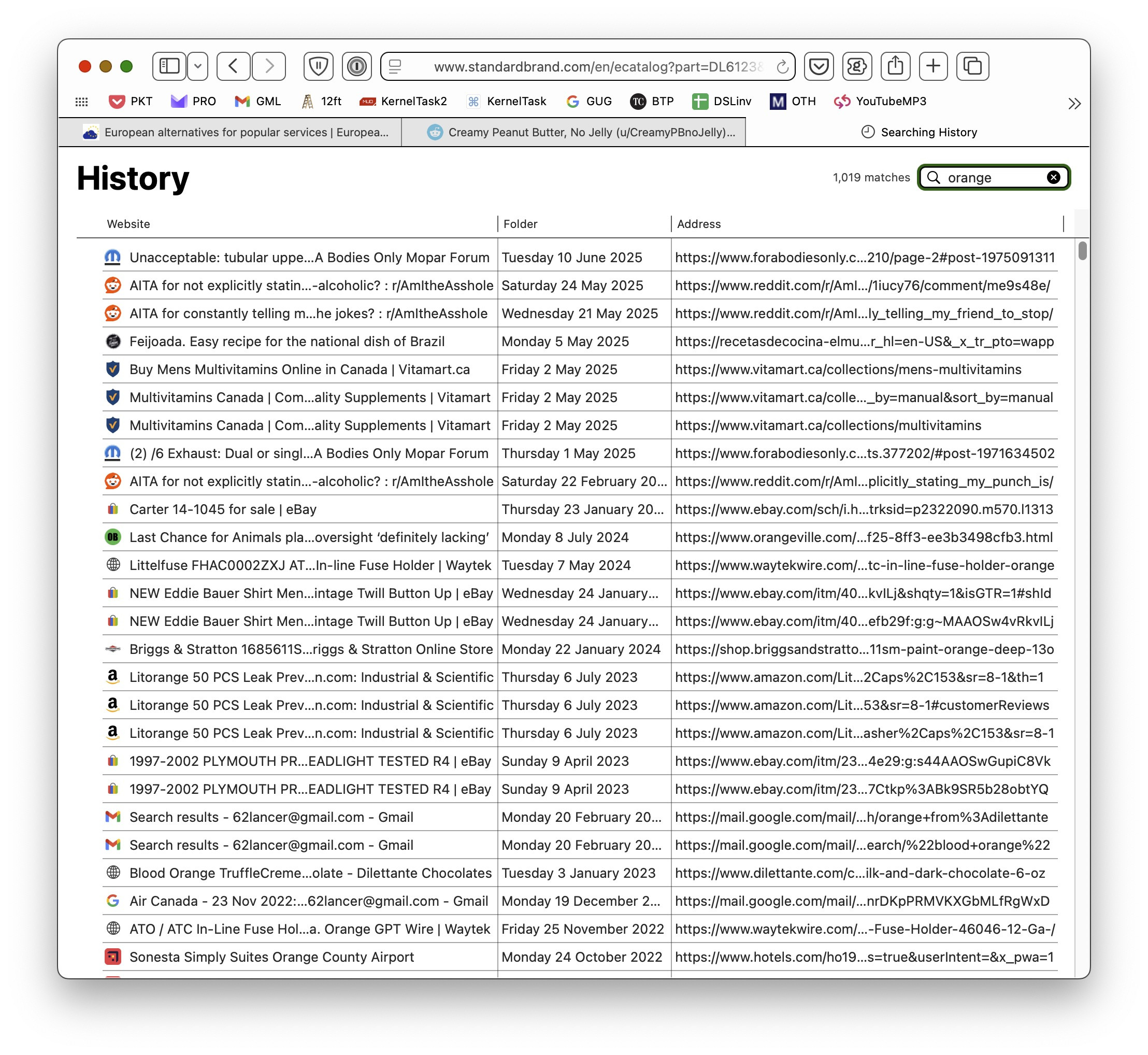
…and on orange:
Orion 0.99.133-beta (WebKit 621.1.2.111.4) under MacOS 14.7.4
Sonoma (14)
