When a video is playing, and I switch to another tab, Orion helpfully automatically spawns a pop-out window of the video. For quite awhile, the video played in the entirety of the pop-out's size. Some time back (sorry, don't recall when I first noticed it — it's been awhile; months), this changed, and now the video is displayed at small size in the lower-left corner of the pop-out, which is otherwise black. This remains the case when the pop-out is resized by grabbing and dragging its corner. This happens whether it's a YouTube video or a video from another site.
Here is a YouTube page playing a video:
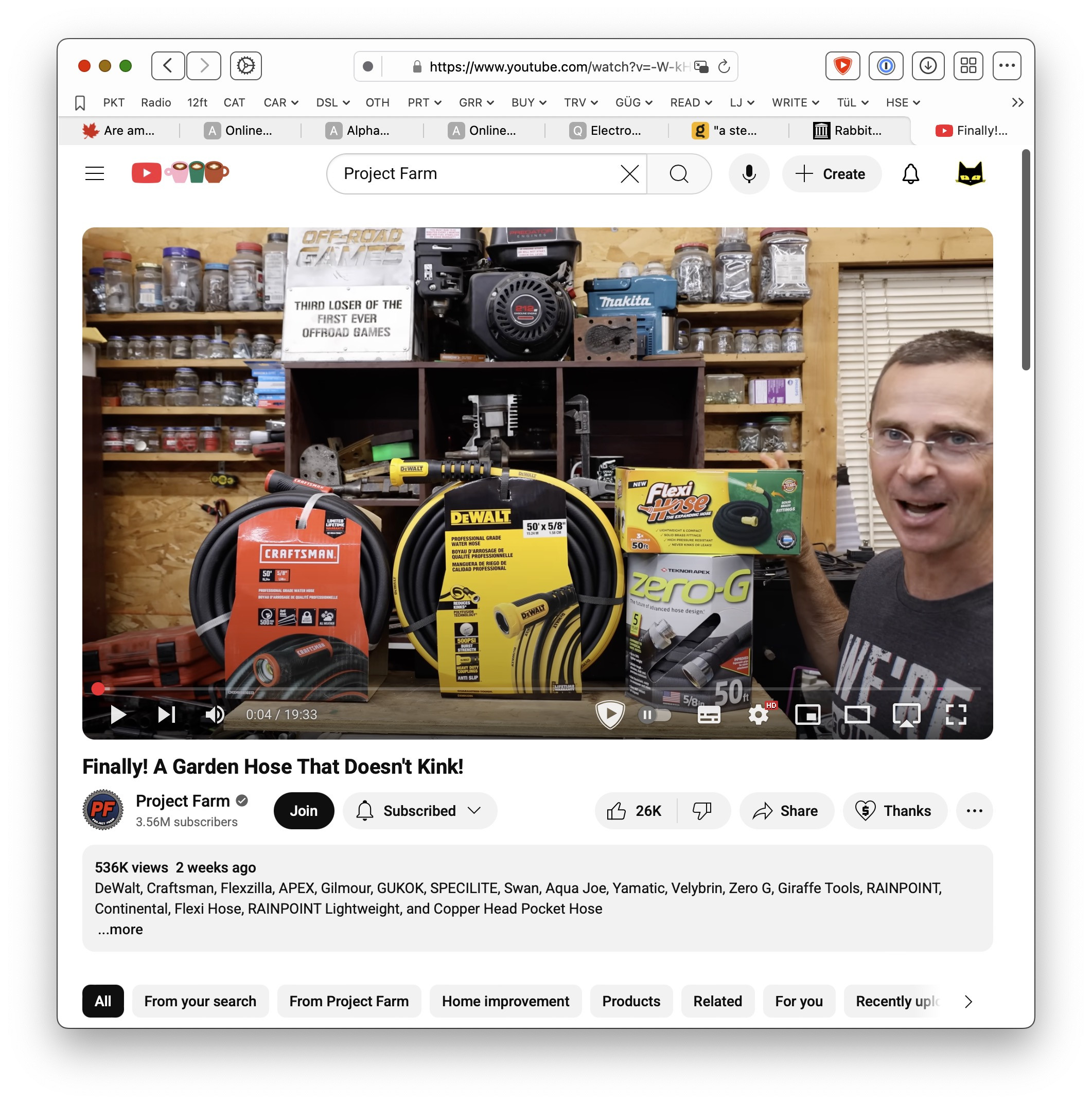
And here is the pop-out at various sizes:
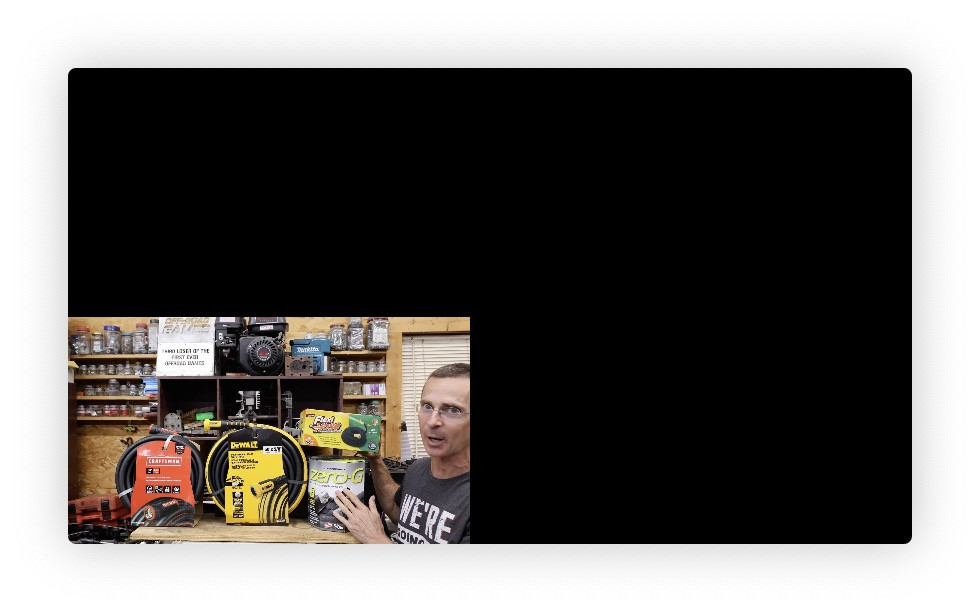
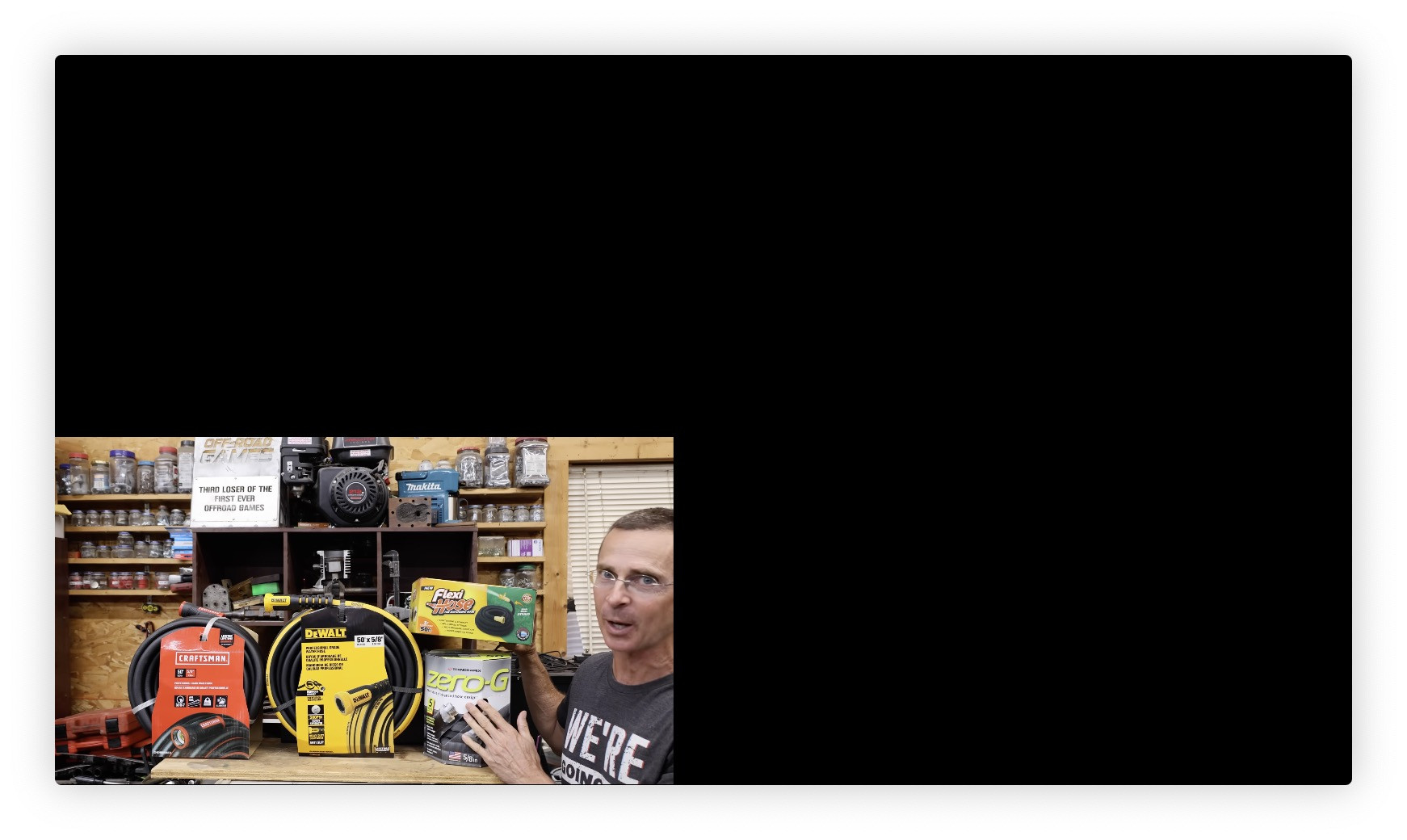
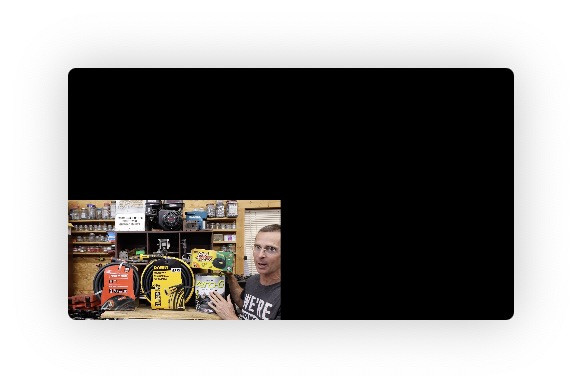
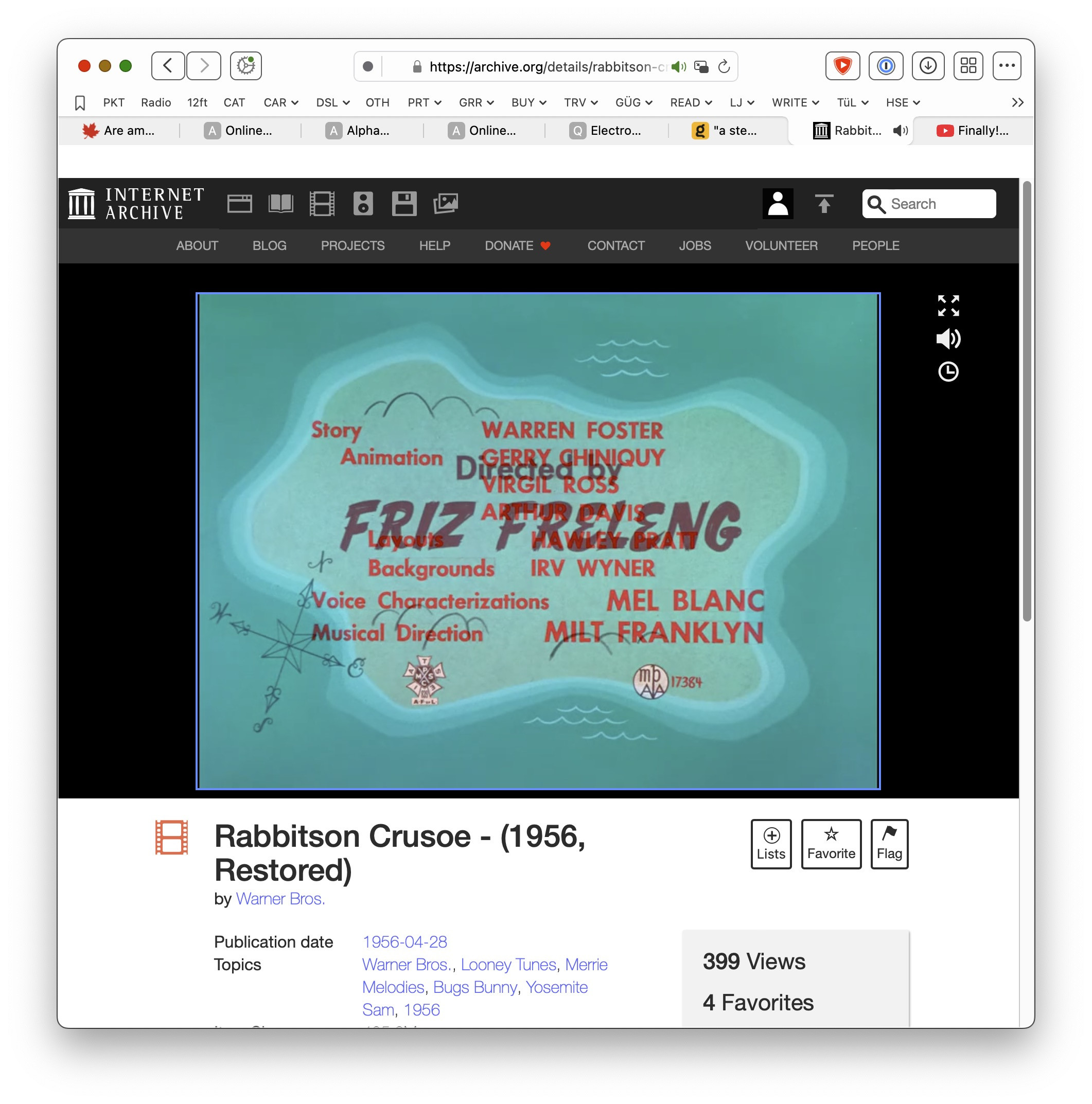
Here is an archive.org video playing:
And here is the pop-out at various sizes:
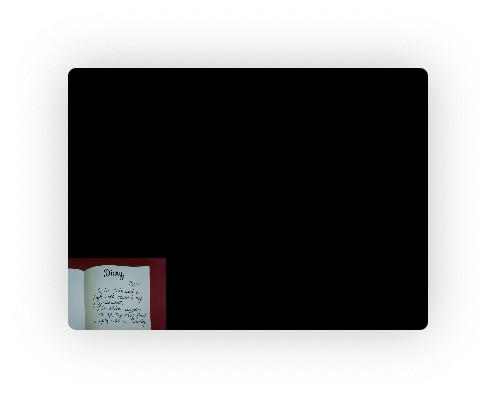
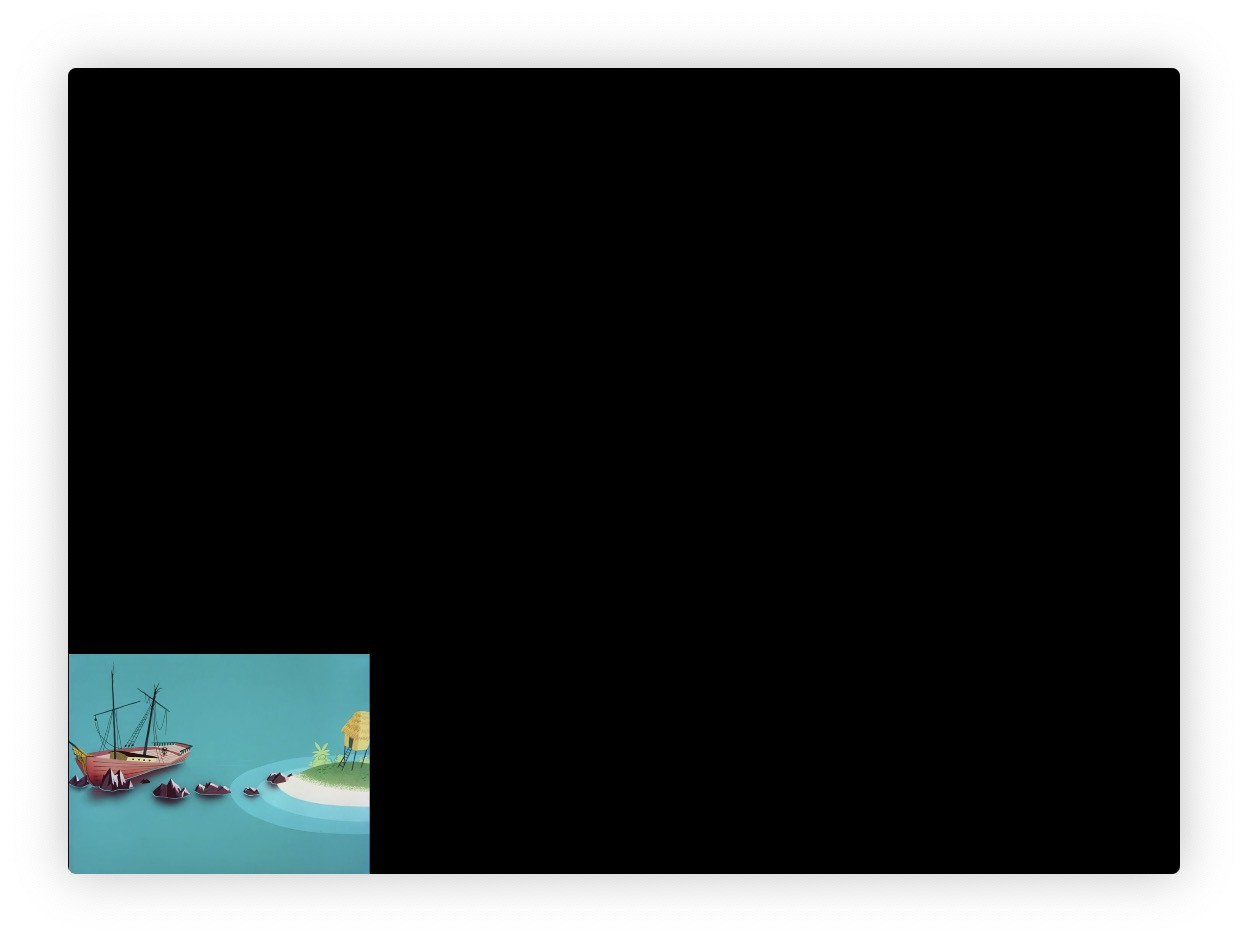
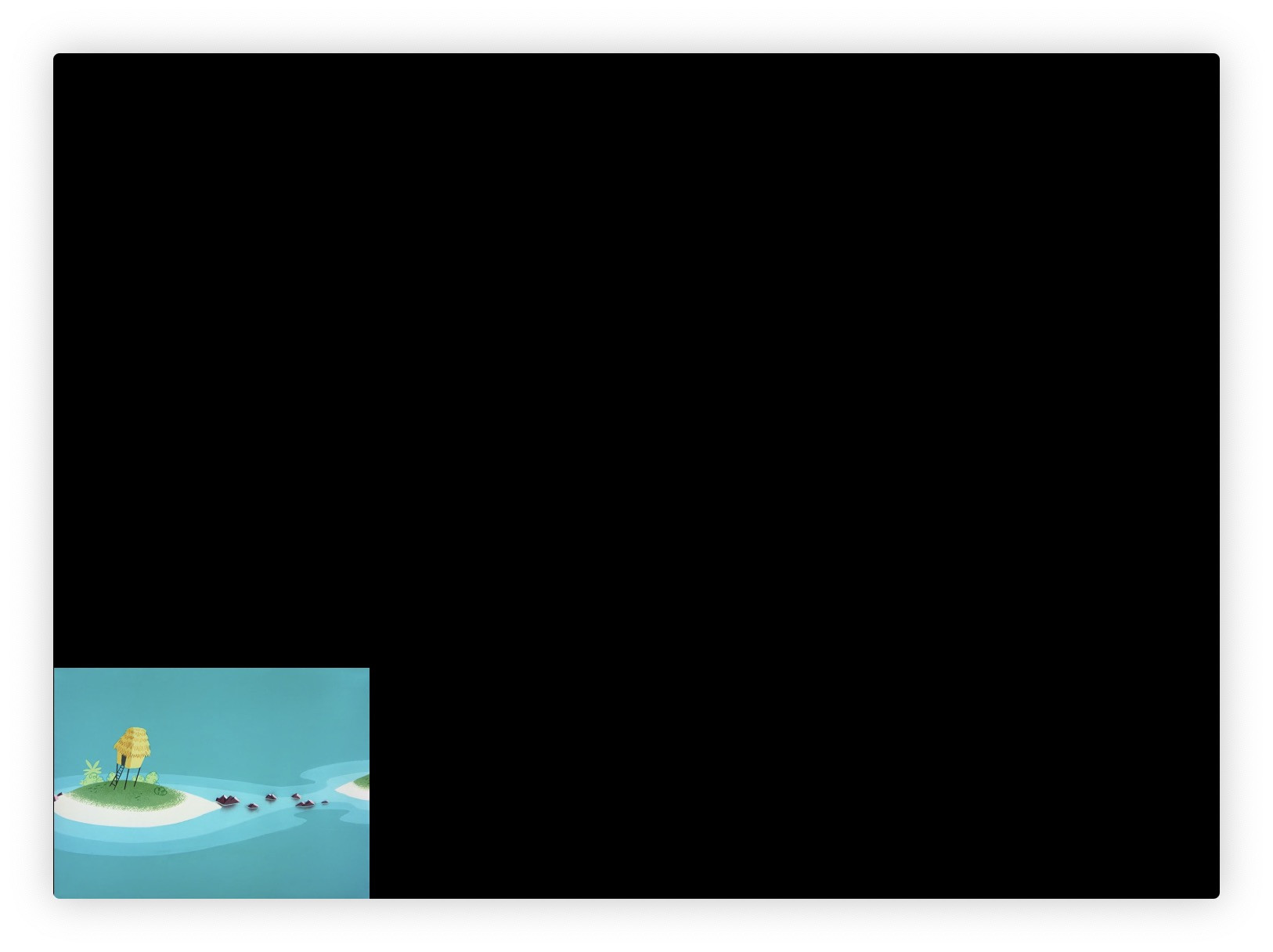
Video should play in the entirety of the pop-out window's size, not just the lower-left corner.
Orion 0.99.133beta (WebKit 621.1.2.111.4) under MacOS 14.7.4
Sonoma (14)
