Sites that have authentication prompts correctly show in Orion.
For example, say I have an app running at http://iMac.local:123 with basic auth, visiting that will show:
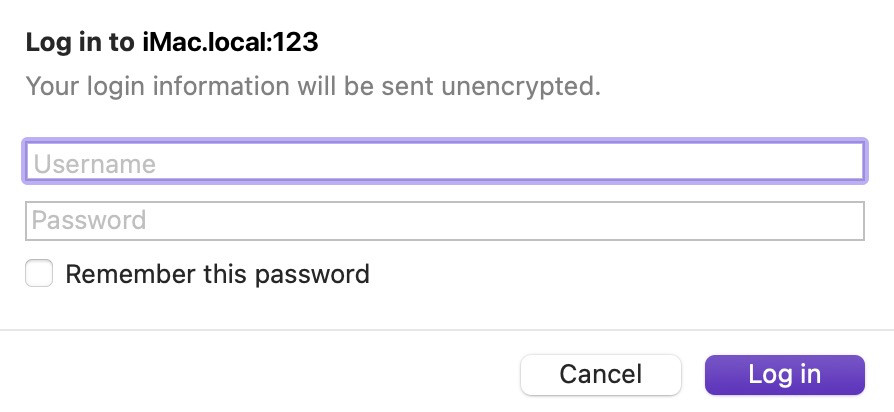
If I install the same site as an app, the app opens blank and does not provide a prompt.
There are two workarounds:
some sites accept the creds inline i.e. http://user:pass@iMac.local:123, so you can add that as an app, but that will not work with all sites
when in the proper browser (or Safari) click "remember password" to add it to keychain, you should then get a system prompt when opening the web app which you can choose to "Always Allow"
It seems sensible however to avoid confusion and "silently failing" to simply enable showing the prompt within installed site apps.
Version 0.99.134-beta (WebKit 622.1.9.19.2)
Sequoia (15)
