I wanted to report this too.
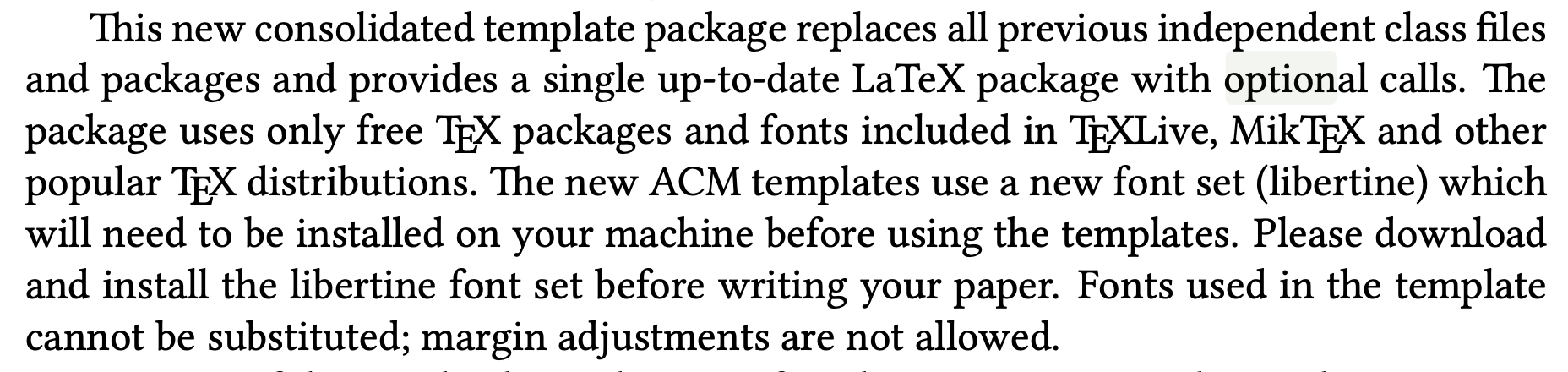
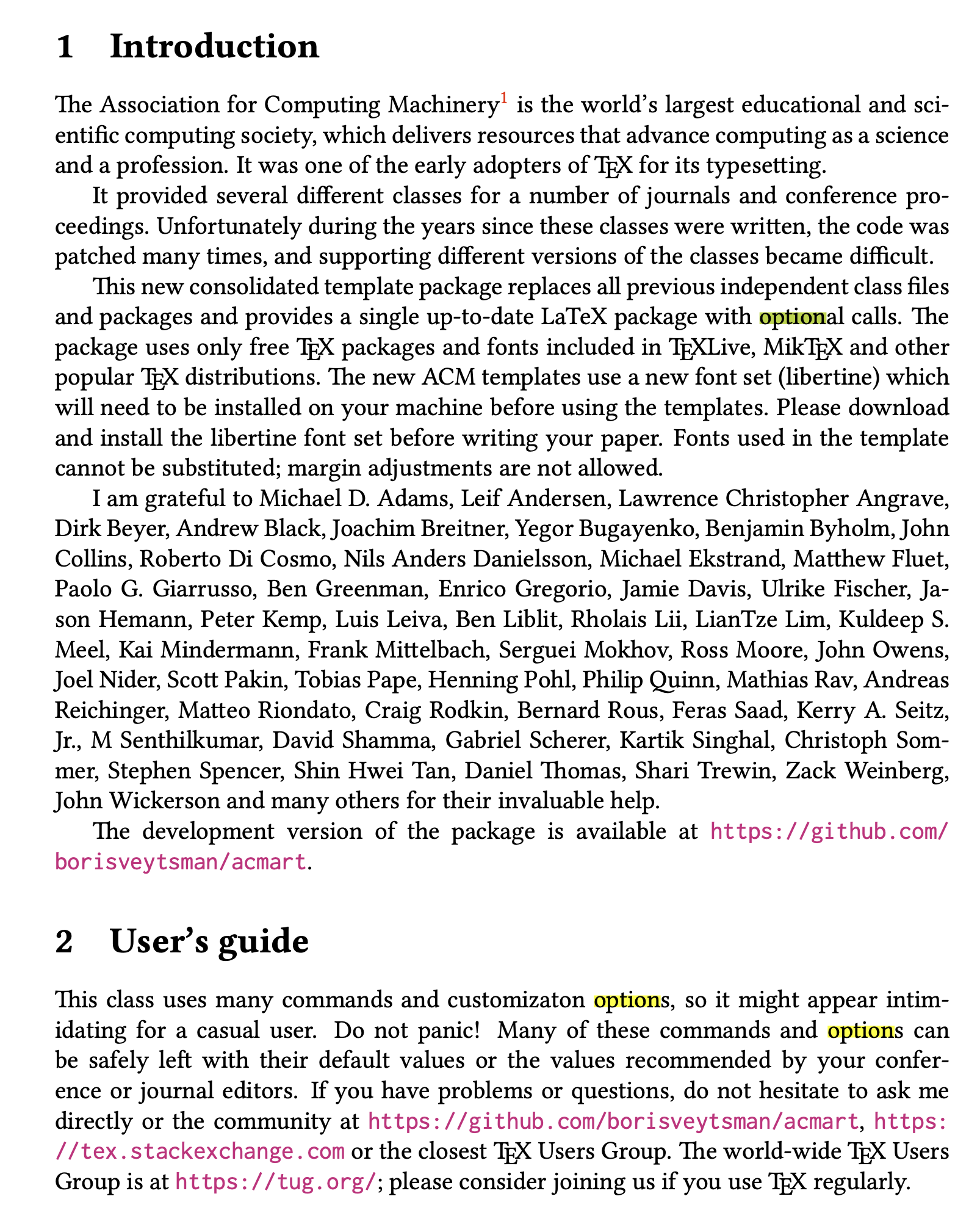
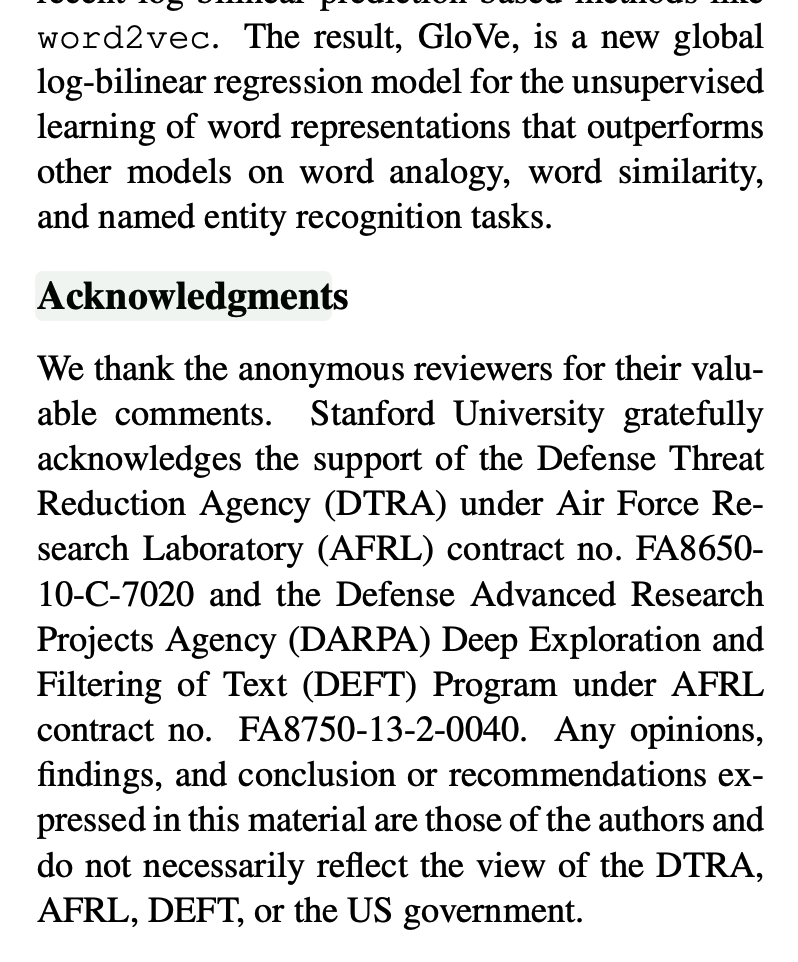
Note that using either Command-F or the Magnifying Glass icon in the PDF viewer toolbar for a text search results in the impossible-to-use highlighting of the text you searched for.
I have found that using the Orion menubar to select Edit - Find - Find dims the PDF and provides a usable highlight of the search text. It seems that sometimes I can use Edit - Find - Find but not always. Sometimes Orion will get into a mode where Edit - Find - Find does not reveal the Orion searchbar above the PDF viewer.
It would be good if all three methods for conducting a text search in a PDF (Command-F, Magnifying Glass in the PDF Viewer toolbar, and Edit - Find - Find from the Orion menubar) provided the same experience and resulted in readable text highlighting.
I don't know anything about pdf.js, but a quick Kagi search reveals that there apparently are configuration settings for the coloration of search text.
https://github.com/mozilla/pdf.js/issues/13353
Thanks for working on this. Being able to find text in a PDF is important to me.