When using the Chrome Pixiv Toolkit on the Orion iOS app, attempting to download a gif as a WebM results in a .crx file instead, despite no .crx option being presented by the extension. The file doesn’t save to the device, can’t be opened or shared, and eventually disappears from the extension’s download manager/Orion’s downloads dropdown menu. The downloaded file isn’t even stored in the Orion folder in the iPhone files app so it isn’t saving to the user’s device/cloud like it does on desktop. Downloads also stop if the app is minimized, and reattempting a download requires deleting then reinstalling the app then the extension due to another glitch just to reproduce the original glitch. The issue is reproducible by installing the toolkit, logging into Pixiv, and trying to download any gif. This doesn’t happen in Safari since it don’t have extensions.
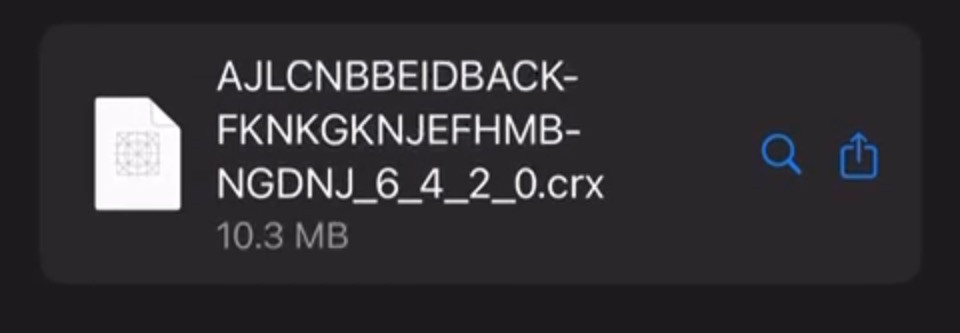
On desktop, the Chrome Pixiv toolkit correctly downloads Pixiv gifs as WebM files and saves them to the device for easy access and sharing. On the Orion iOS app, selecting "Download WebM" instead saves a .crx file to the extension's download manager only. It’s an incorrect corrupt file, can’t be opened or shared, and eventually disappears. The app may not support WebM downloads properly or the extension likely needs optimization for the iOS app maybe to download correct file types directly to the device. The Chrome Pixiv toolkit extension offers four download options, none of which are .crx files. On desktop, all file types download correctly. However, on the Orion iOS app, all options result in a .crx file instead. A temporary fix allowing proper WebM downloads on iOS would be a sufficient short-term solution.
1.3.23 (2) (WebKit 8621.1.15.10.7)
18
