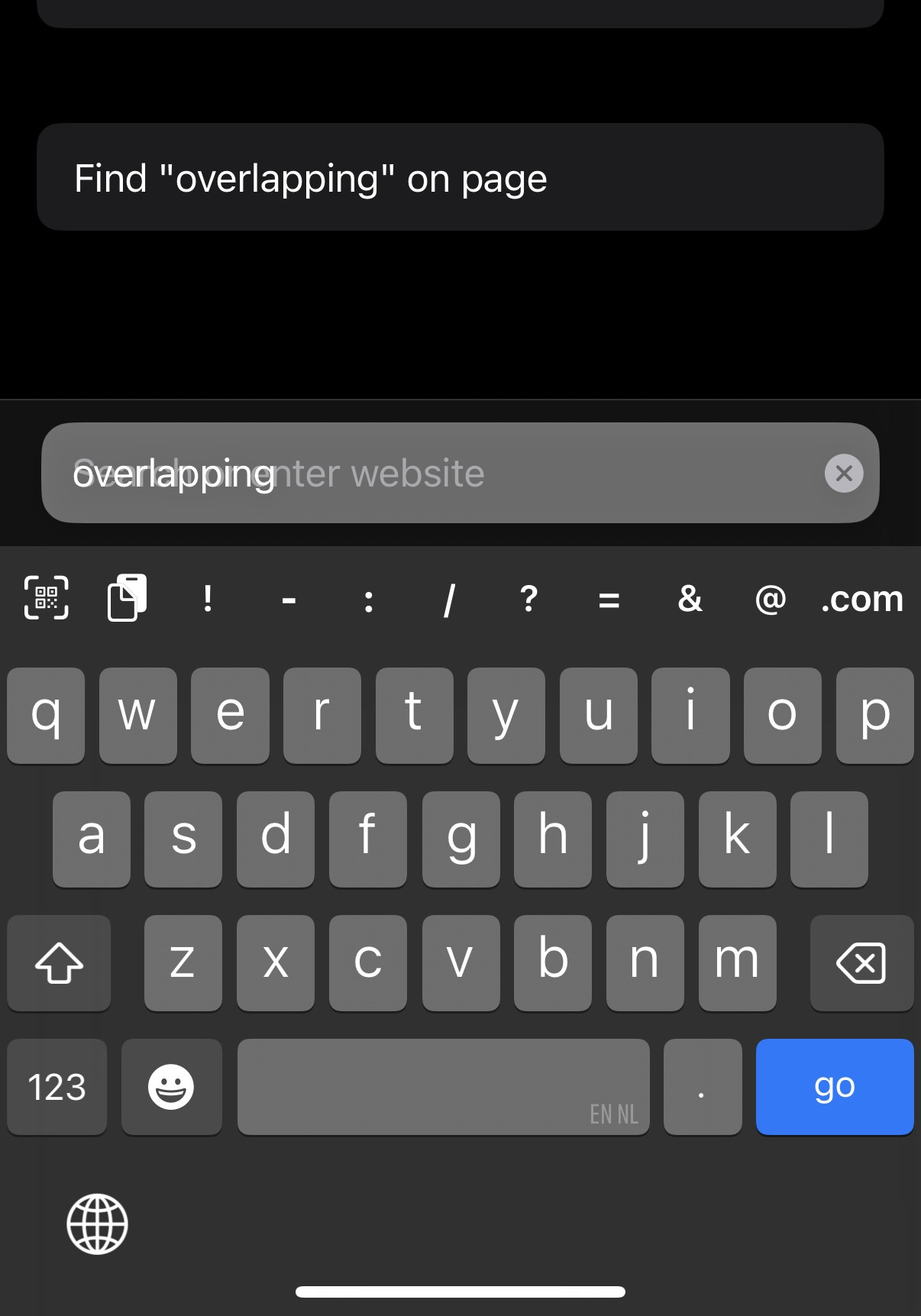
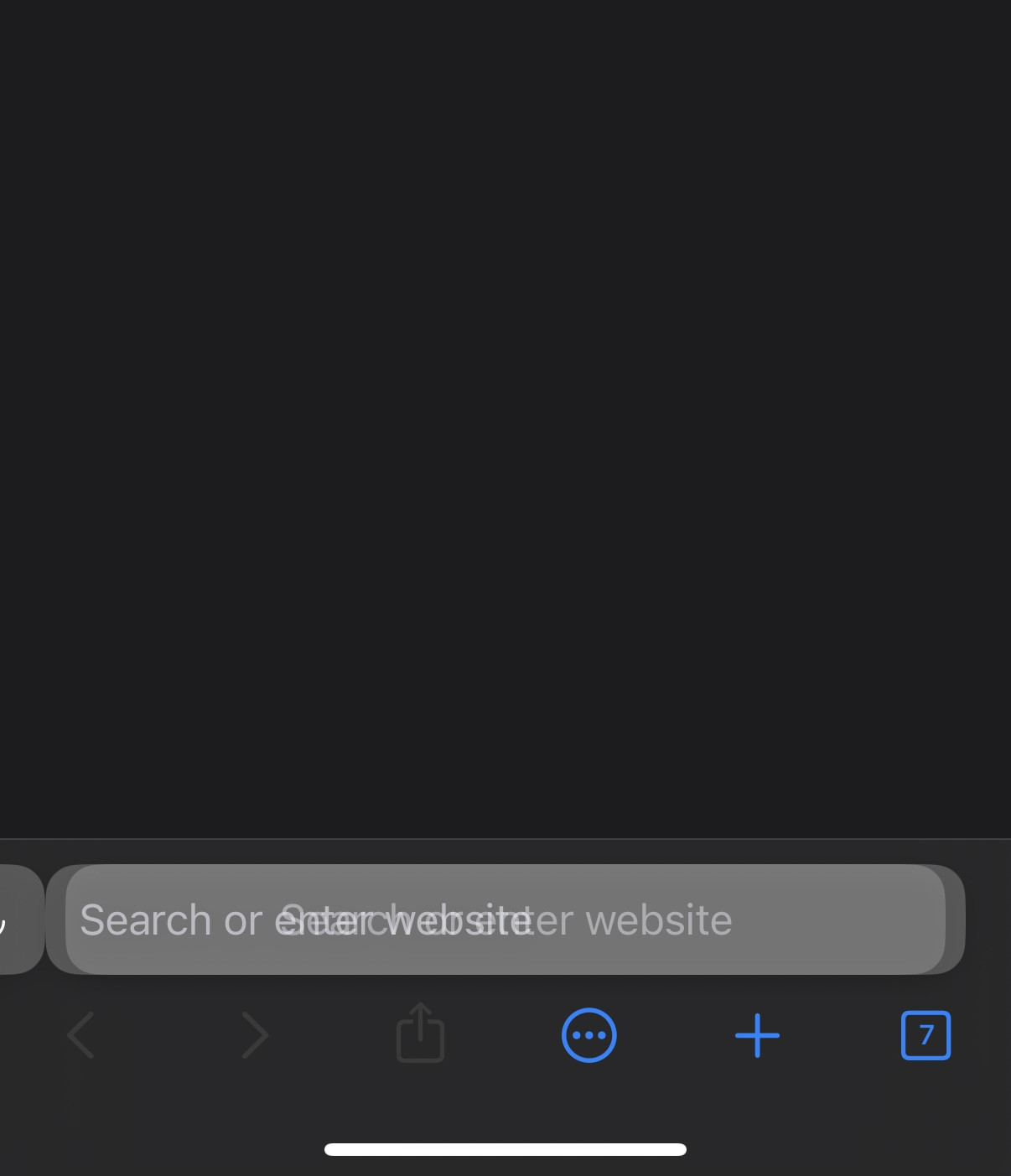
When "Show Keyboard on New Tab" is enabled, two URL bars may overlap if the URL bar of a tab that has just been created is taped.
It's likely to be a race condition:
- a new tab is created
- the keyboard is about to be shown automatically because the option is turned on
- the user clicks on the new tab's URL bar before the keyboard is shown
- an URL bar is spawned because of the tap
- another is spawned because of the "Show Keyboard on New Tab" option
Screenshot:
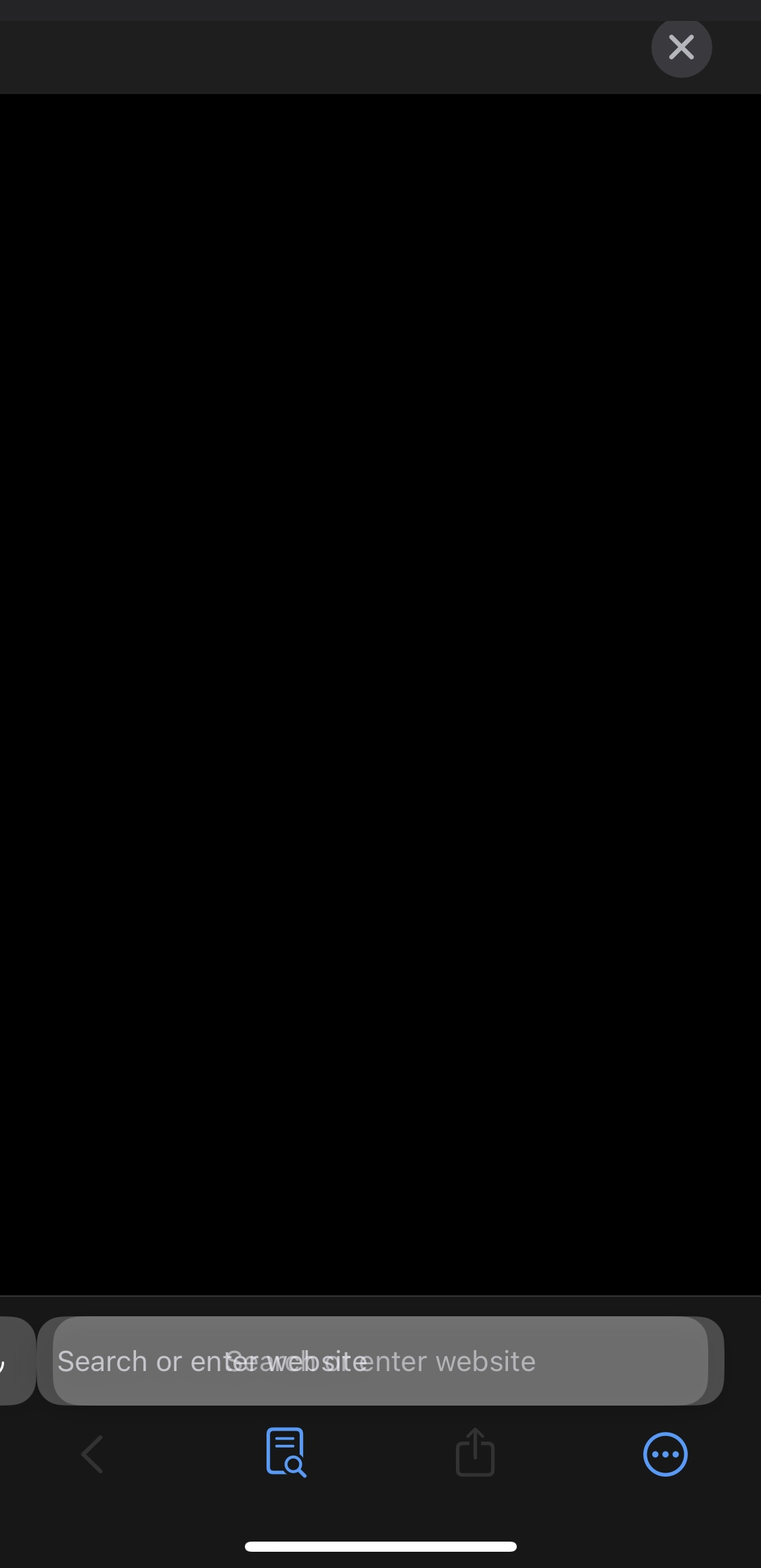
The tab is frozen until they click on the cross (top right).
Steps to replicate:
- make sure that "Show Keyboard on New Tab" is enabled
- go to a tab
- slide the URL bar to create a new tab
- quickly tap the URL bar
Unrelated to WebKit.
Only one URL bar is shown, and the tab is working properly.
App version: 1.3.23 (1) (WebKit 8621.1.15.10.7) System version: 18.4.1 Device type: iPhone 13 Mini Native bounds: (1080.0, 2340.0) Scale: 3.0
18