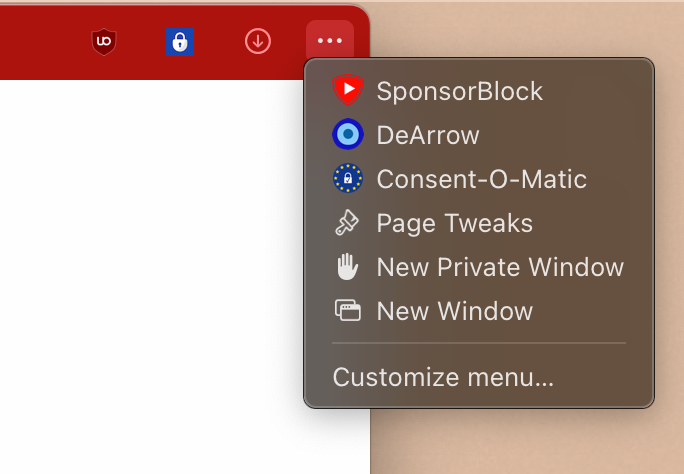
I have analyzed the browser interface shown in your screenshots and noticed that while New Tab is available in the overflow menu, other important window management options are missing.
Request Summary
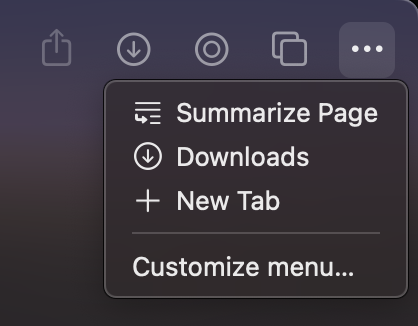
The overflow menu currently displays only "Summarize Page," "Downloads," and "New Tab" options. Adding "New Window" and "New Incognito Window" would provide a more complete set of browsing options directly from the toolbar.
Current Situation
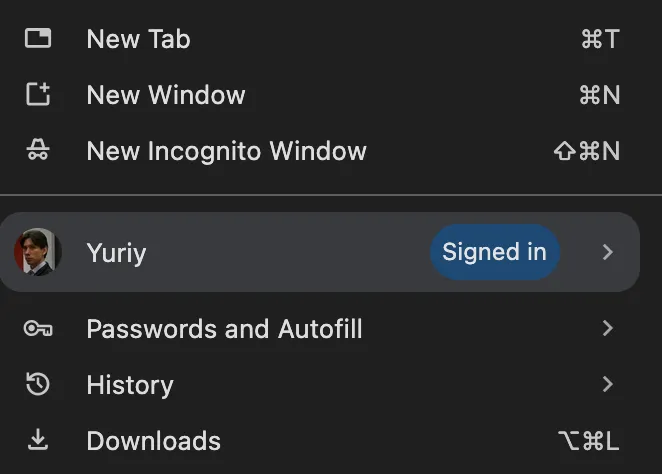
As shown in Image below, users can access "New Window" (⌘N) and "New Incognito Window" (⇧⌘N) from the main menu in Google Chrome:
However, these options are not available in Orion RC overflow menu:
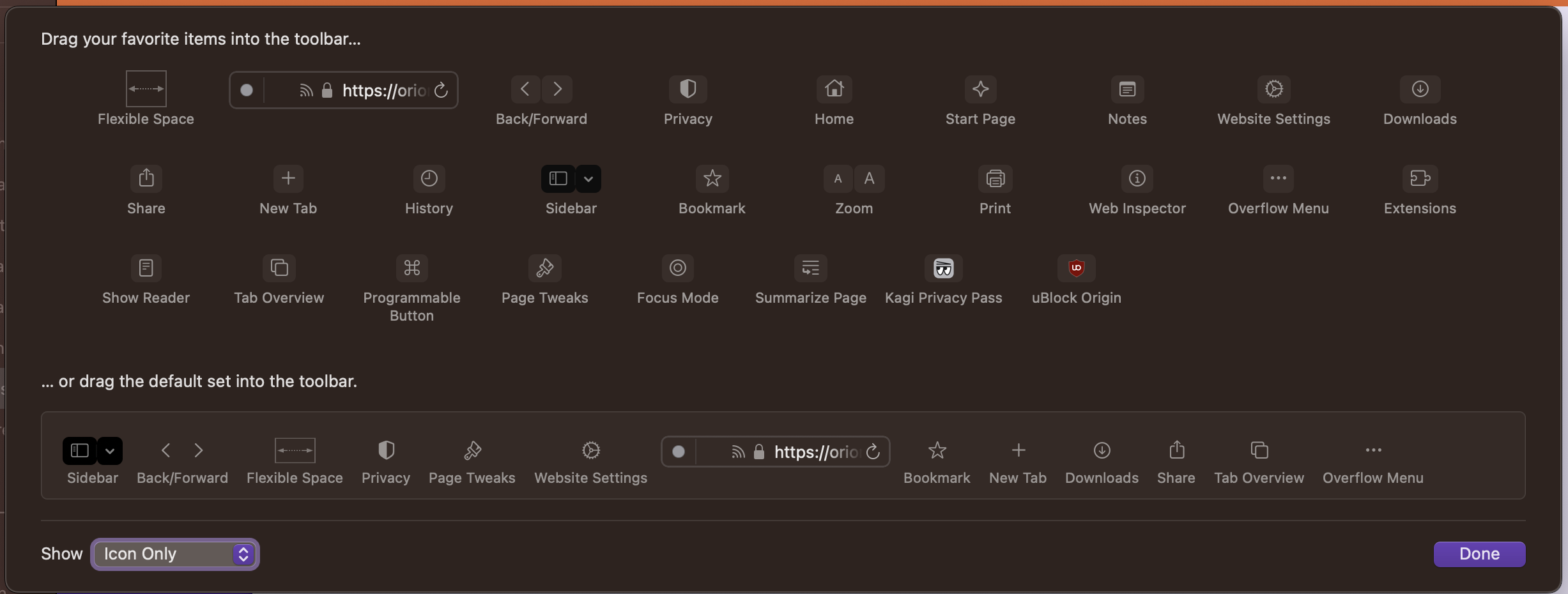
And not visible in the browser toolbar options:
Proposed Solution
Add "New Window" and "New Incognito Window" options to the overflow menu, similar to how they appear in the main menu. This would:
- Improve accessibility of frequently used window management features
- Create consistency between the main menu and overflow menu
- Reduce the need to navigate away from the current workflow
User Benefits
- Faster access to creating new windows and private browsing sessions
- Improved workflow efficiency for users who frequently switch between regular and private browsing
- Better discoverability of these features for new users
Implementation Suggestions
- Add "New Window" below the existing "New Tab" option
- Add "New Incognito Window" below "New Window"
- Maintain the same keyboard shortcuts shown in the main menu (⌘N and ⇧⌘N)
- Include appropriate icons to match the existing visual style