Currently when you use Tab Switcher, a maximum of 8 tabs are displayed. If you have more than 8 tabs opened you need to scroll horizontaly (on touch pad) to access the rest. This number quickly adds up when you have more than a few pinned tabs.
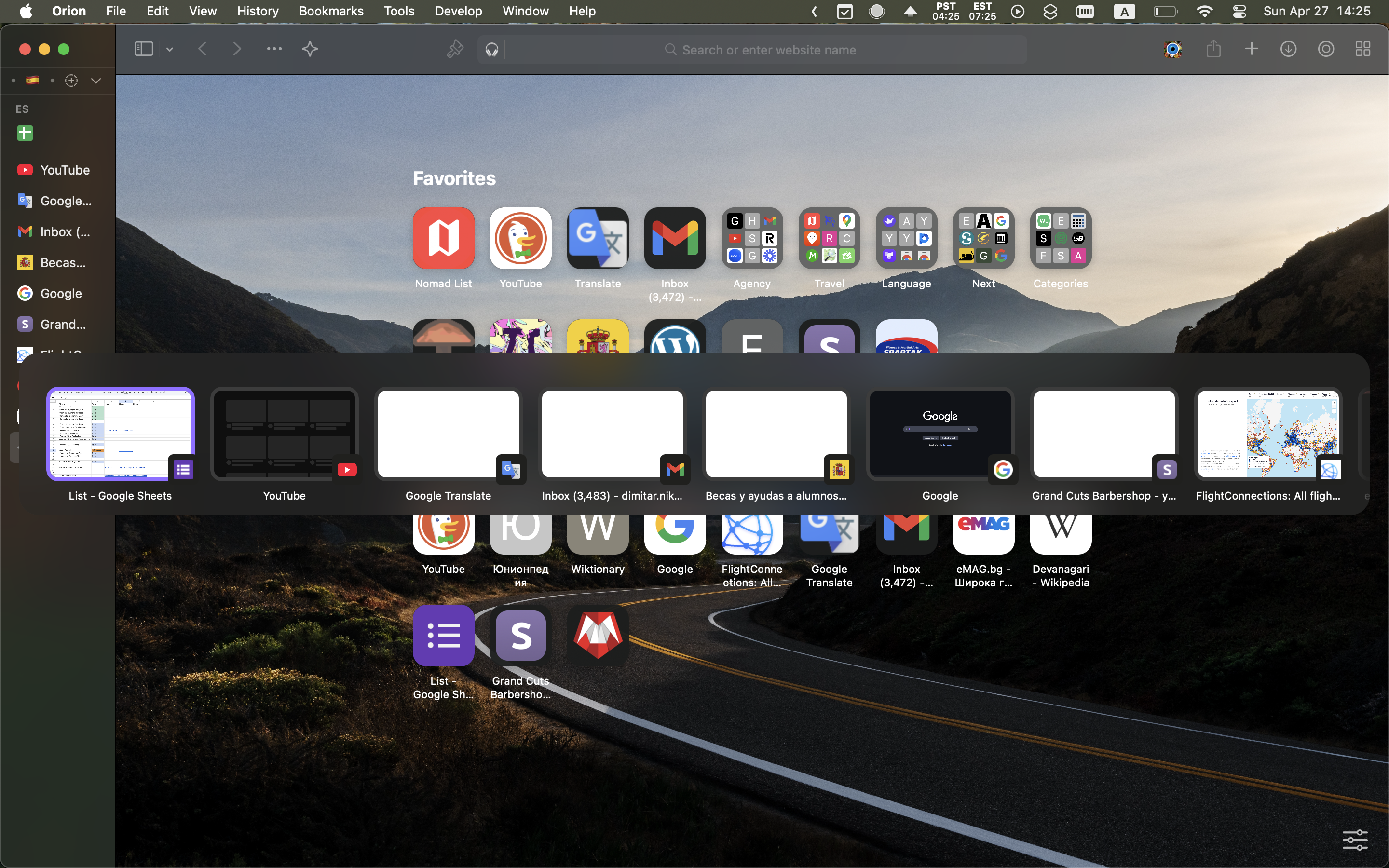
I think it would be easier to use if the tabs weren't ordered into a signle horizontal row but rather a multi-row gallery that expands downwards.
Something that resembles Tab Overview in Orion and Safari.
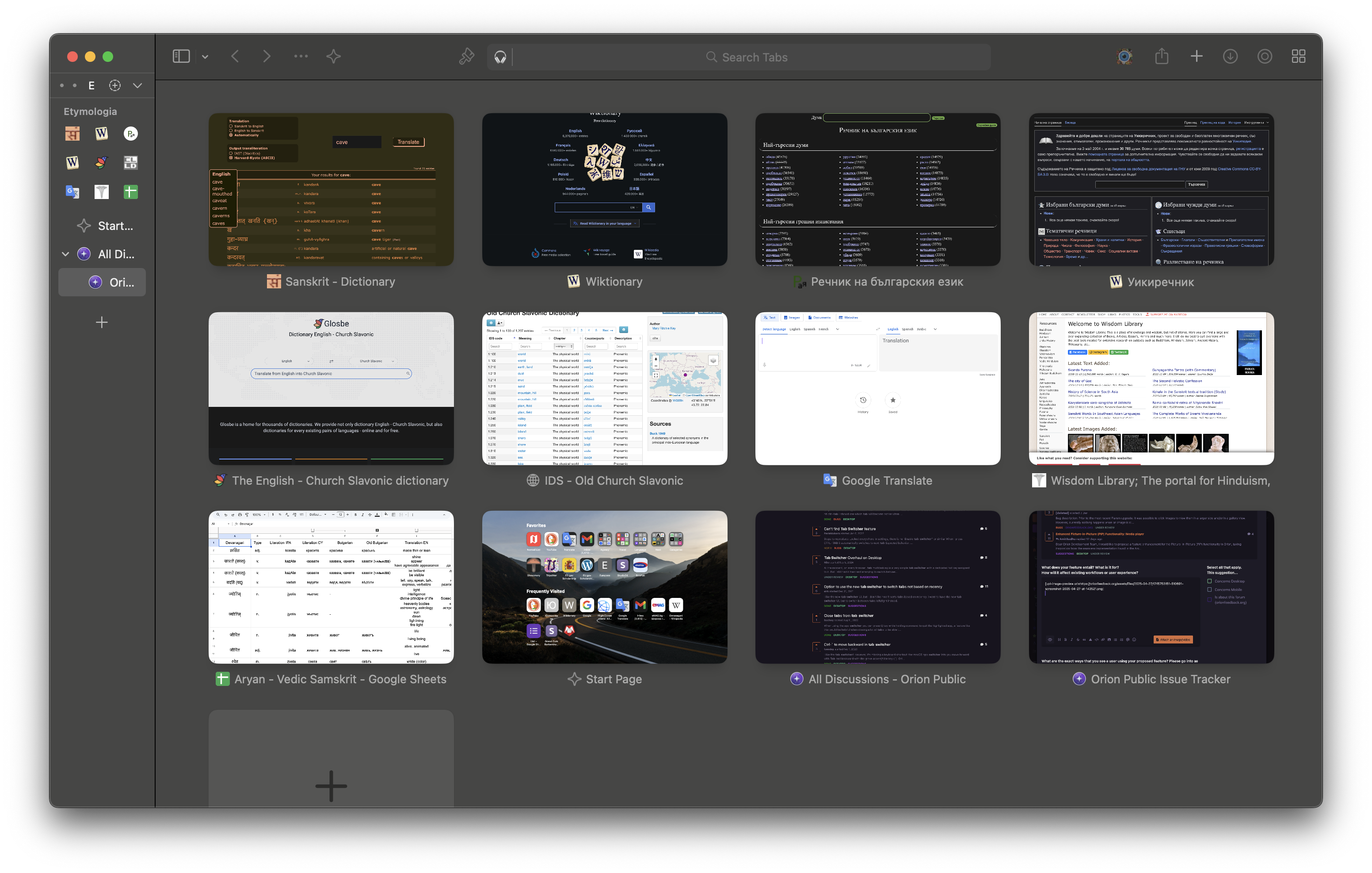
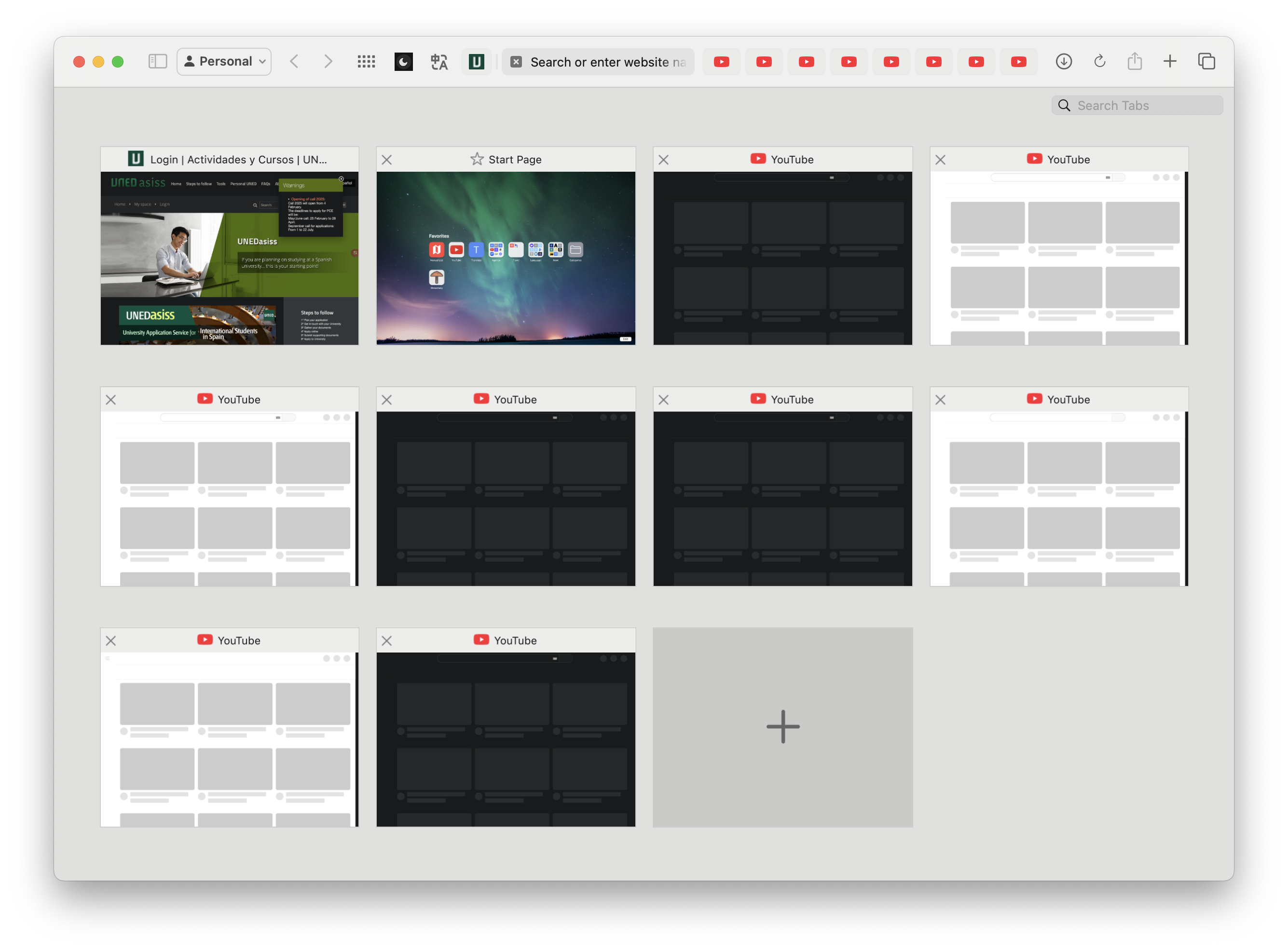
Currently the benefit of Tab Switcher is speed. You don't need to watch a Zoom Out Animation and you don't need to click on the tab to switch to it. However Tab Switcher can only display up to 8 tabs and in low detail compared to Tab Overview's bigger sized 12+ displayed tabs.
My suggestion is to change Tab Switcher's view to expand vertically instead of horizontally, to optimize for speed.
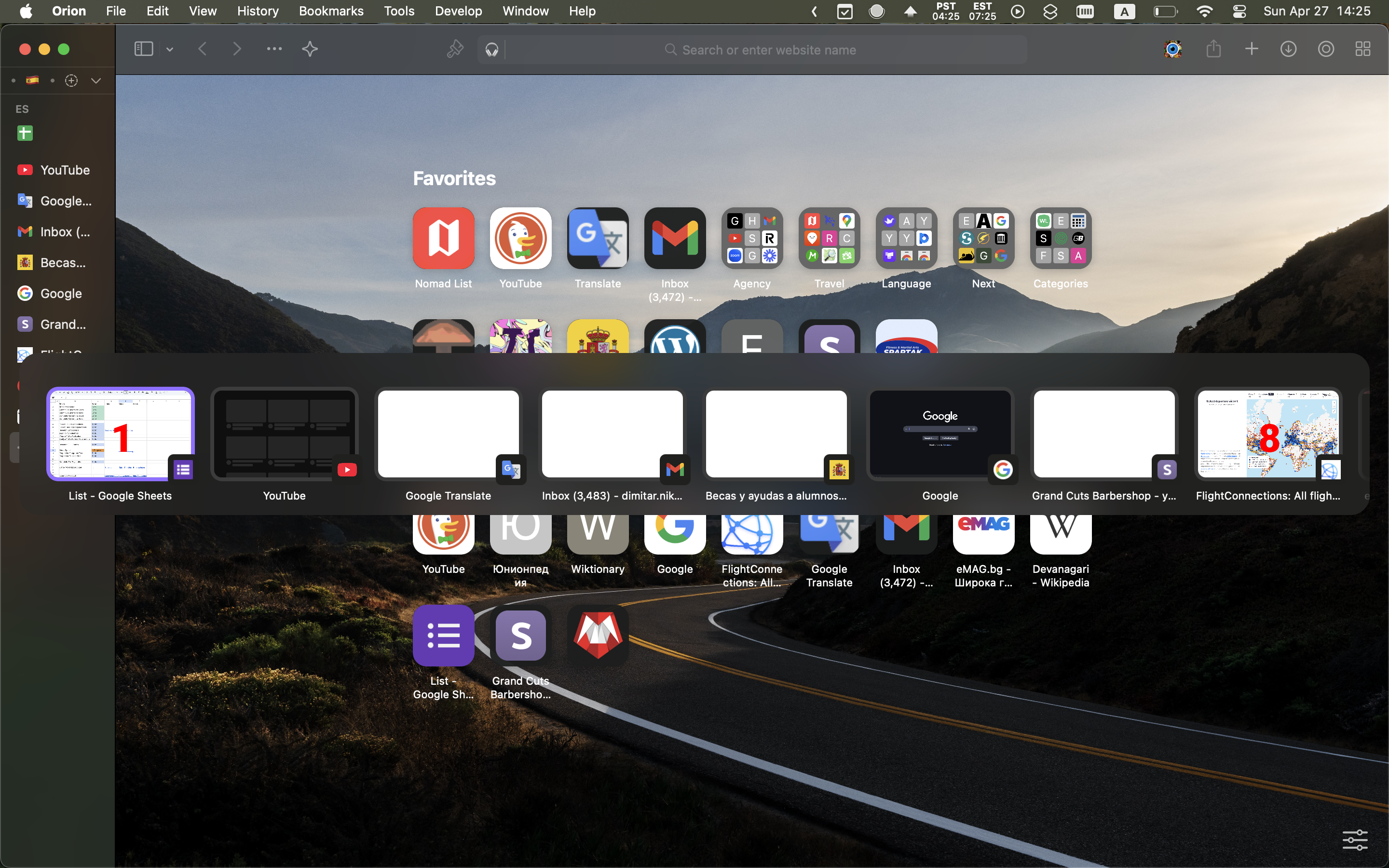
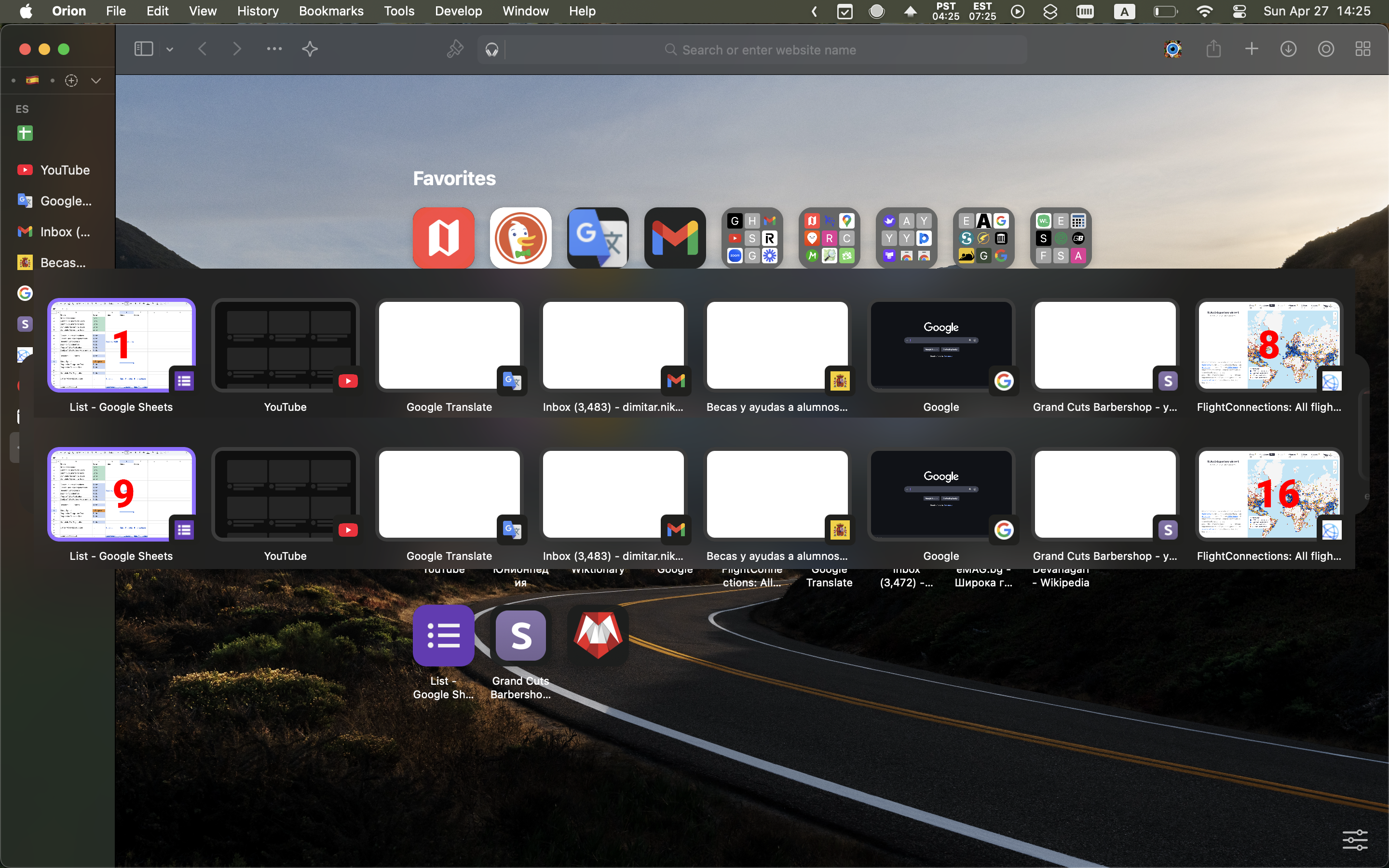
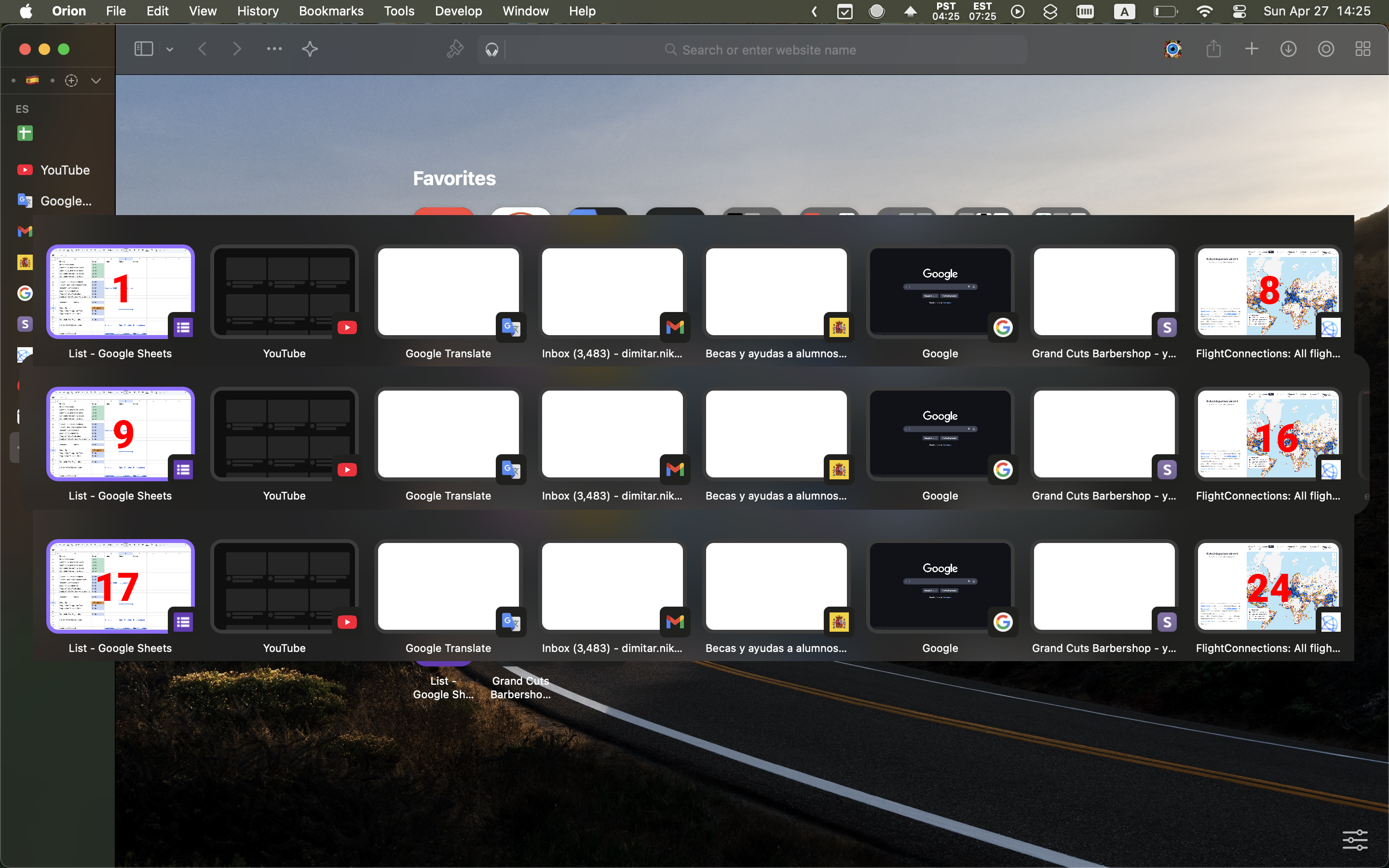
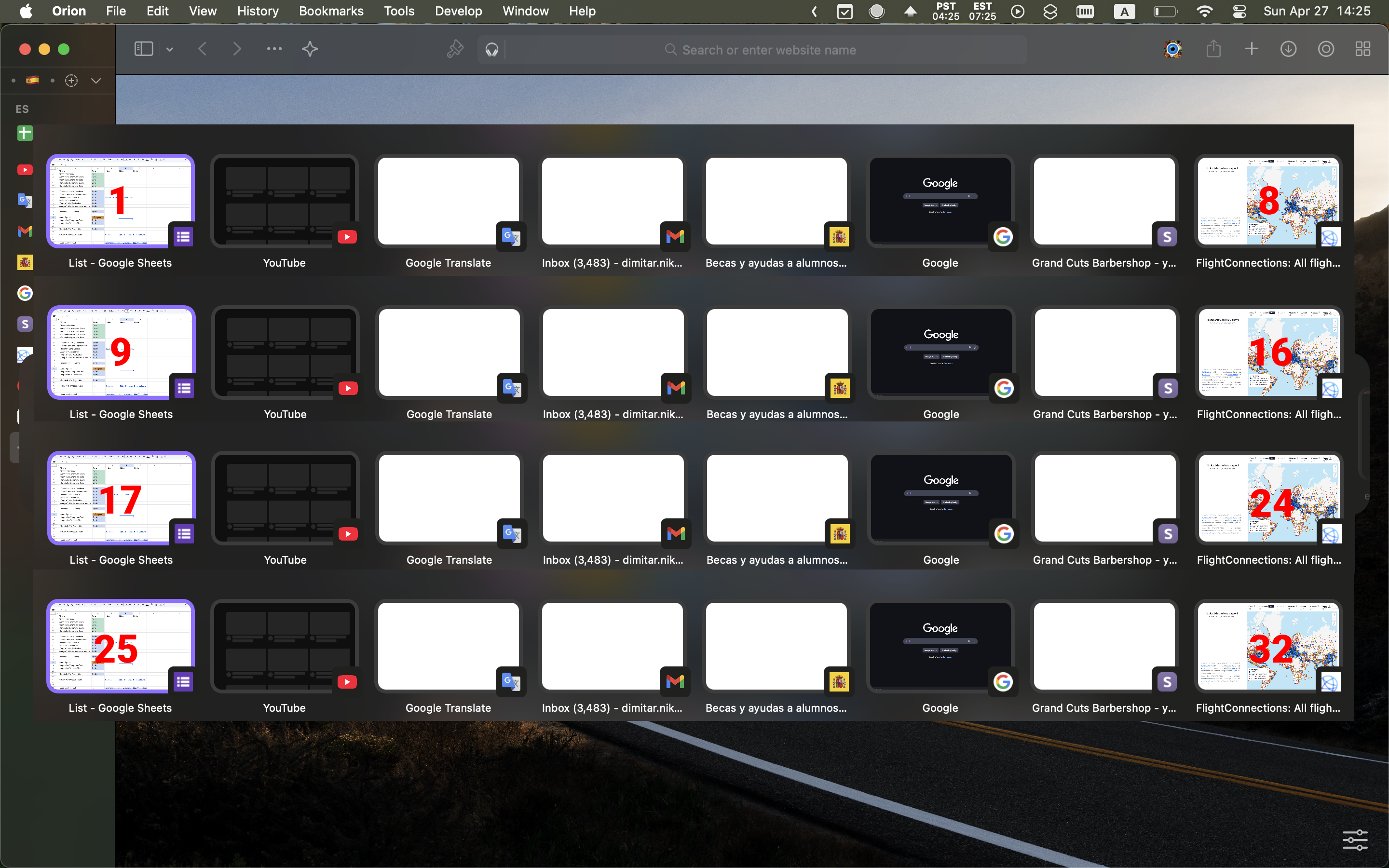
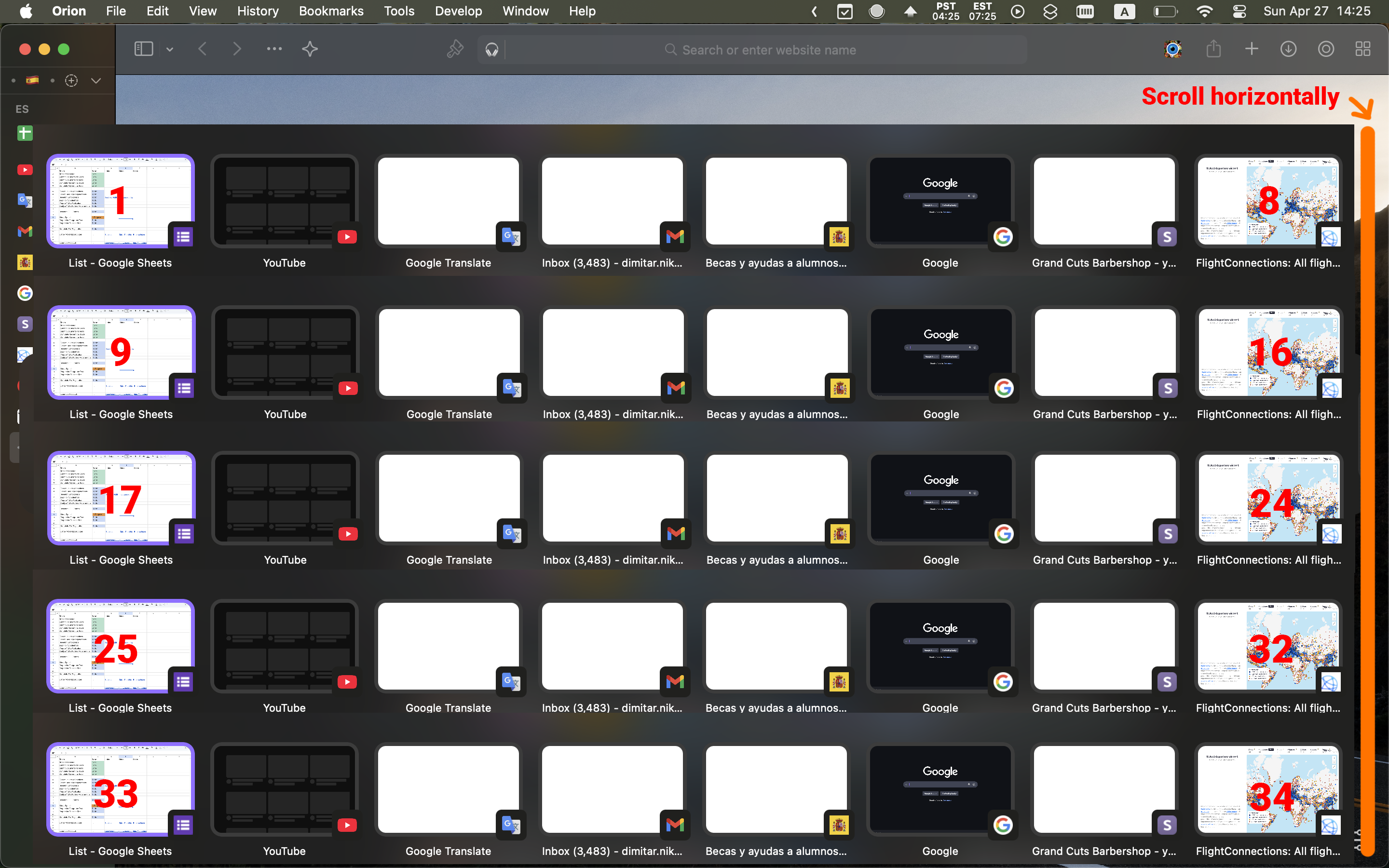
This wouldn't make Tab Switcher a duplication of Tab Overview, it would only improve it
Tab Switcher
- Up to 34 Tabs (in View)
- Low Resolution Preview
- Hover to Switch
- Reuse Hotkey Ctrl+Tab to Switch
Tab Overview
- Up to 12 Tabs (in View)
- Detailed Preview
- Click to Switch
Additional Suggestions for Tab Switcher
- Pressing Ctrl+W while using Tab Switcher, closes the Tab that's being hovered (akin to Cmd+Tab Mac behavior with Cmd+W)
- Option in settings to exclude Pinned Tabs from Quick Switcher. This could be a preference because Pinned Tabs are already quickly accessible with the hotkeys Cmd+1-9 and because some users use their pinned tabs as warm bookmarks/saves that they're not actively using. In these cases the user would always skip the pinned tabs in Quick Switcher that always appear on top - because they can access them through their respective number hotkeys or because they're not actively using the pinned tabs.
