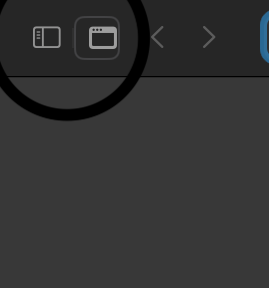
I tried to reproduce this issue but I was not able to do so. I did the following:
- Open Orion, tabs are set to compact mode.
- Click on the ... button on the top right of Orion and select
Customize Menu...
- Select the Sidebar toggle button (the same button you have circled) and remove it from the toolbar.
- Now the button is no more in the compact toolbar.
- Do the same thing after changing to tabs to normal mode.
- Now the button is no more in the normal toolbar.
You mention that the button "keeps coming back", could you tell me when it is coming back? For me, the button stayed removed even after restarting Orion.