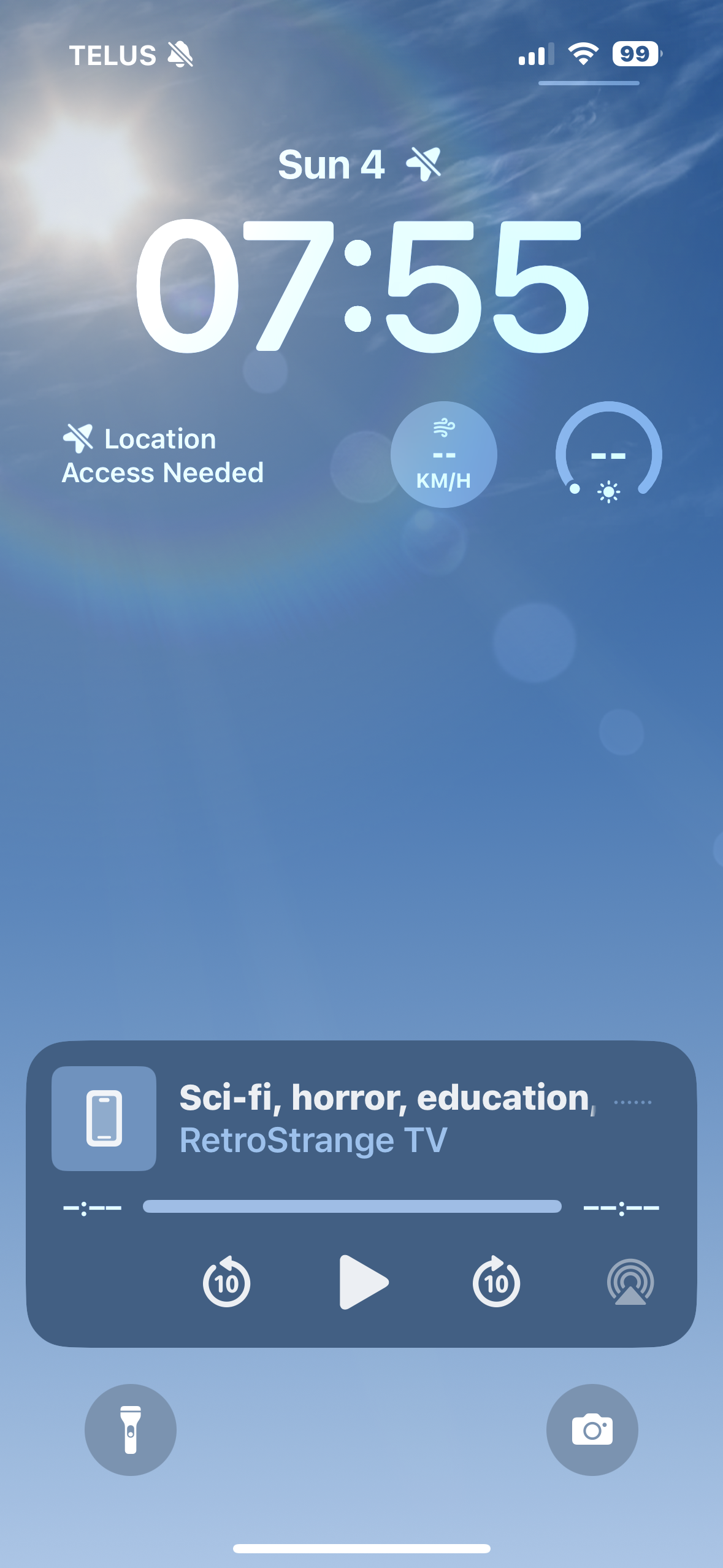
…and now I've figured out how to make the objectionable behaviour happen.
Step 1.5: tap the [ ] icon to full-screen the video.
Now either put the phone down and let it auto-lock, or just go ahead and lock the phone. The video play/pause panel comes up on the lock screen, and self-selects Play.
The other part of it I can't figure out how to trigger: full-screen the video, pause it, and then switch to another application—whereupon the vid will resume playing in the background.
Sorry no video; AFAIK screen-recording always stops as soon as the phone locks.
(Oh, and the only way I've found to stop this when it happens is to either close the YouTube tab or quit Orion)