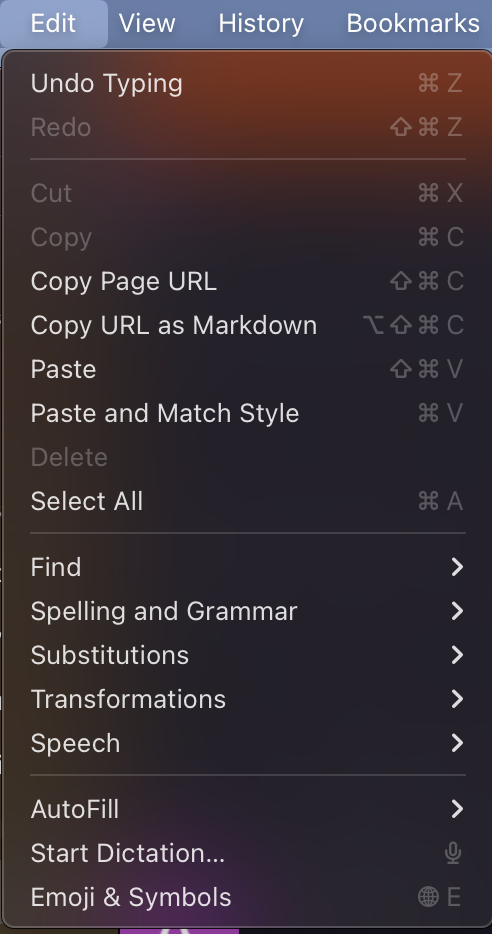
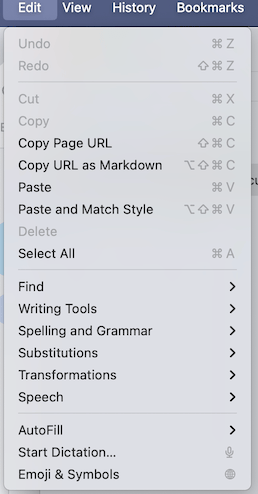
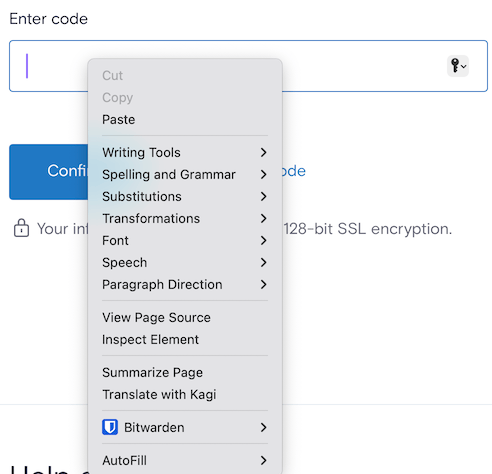
Basic command-key combos like Cmd-W, to close a tab, cease working. Even Cmd-C and Cmd-V for Copy/Paste seem to become unrecognized. From what I've been able to discern, it's as if Orion doesn't recognize the Cmd-key in any combo. Cmd-W reacts as if I just pressed W.
Steps to replicate the issue: I cannot find a trigger for it. I will be going to close a tab with Cmd-W, and at some point it doesn't react. It seems as if the Cmd key is not recognized in the combo.
N.B. Restarting Orion always restores the combos, until some random point it goes Cmd-deaf again.
What else I've tried: Uninstalling all Firefox and Chrome extensions in Orion. Running with only Privacy Pass, but even had this issue before activating that one.
Does it happen in Safari? No. It doesn't happen in Safari any other MacOS app on this Mac.
When I press Cmd-W, I expect Orion to close the active tab. When I press Cmd-X/C/V, I expect Orion to do the usual Cut/Copy/Paste operations.
0.99.131.0.1-beta, 15.3.1
Sequoia (15)